Run shell scripts on remote hosts
The Shell Script resource is currently in beta and may be modified in backward-incompatible ways.
Imagine you have python scripts that you would like to trigger from a Retool application. You could build an API that accepts requests and runs these scripts, but that is a lot of work to build, deploy, and maintain. If you had to run these scripts manually, you would likely ssh into the remote host and directly call them. The Shell Script resource allows your Retool applications to do this; connect directly to remote machines and execute arbitrary commands.
Set up
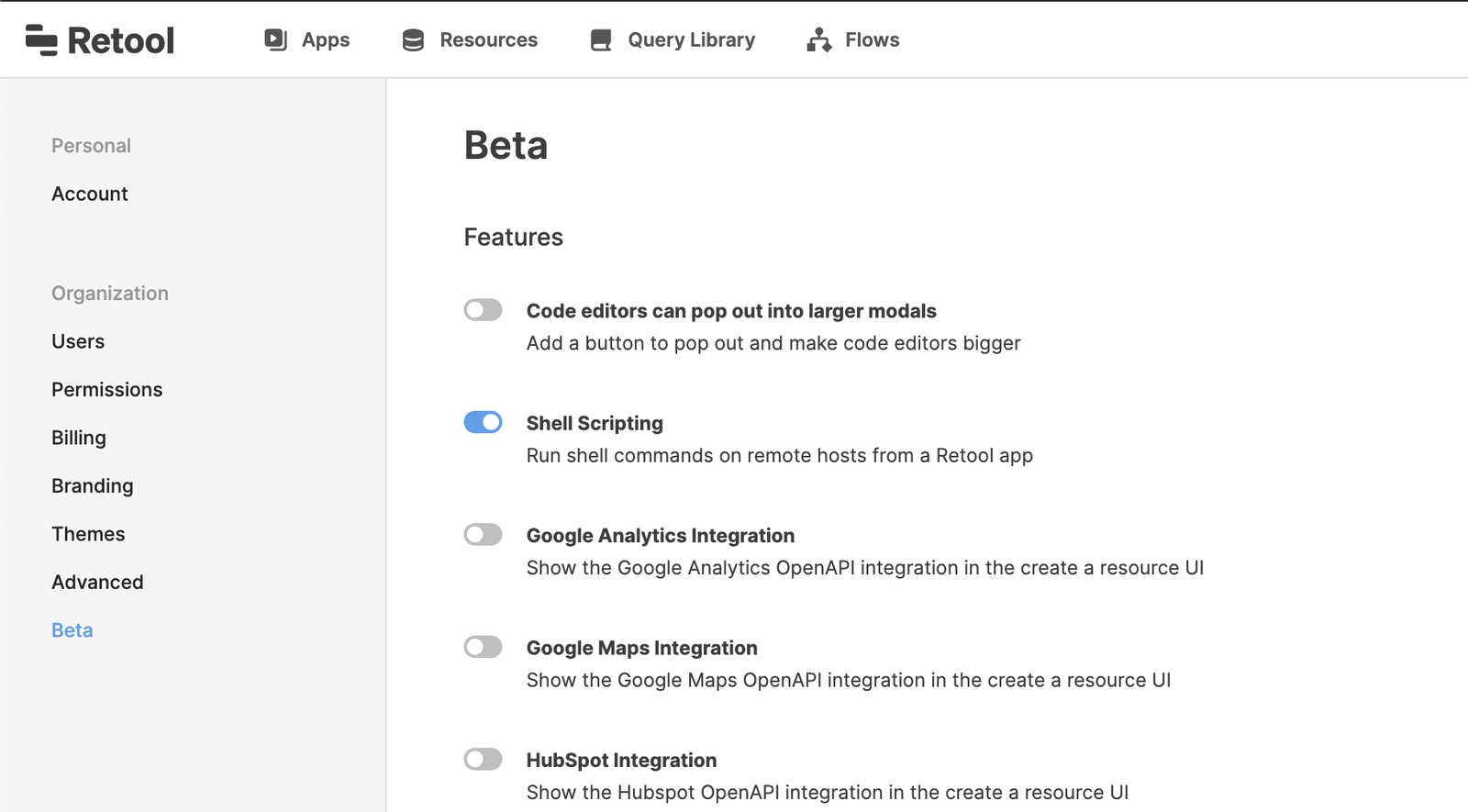
1. Go to settings/beta and toggle Shell Scripting
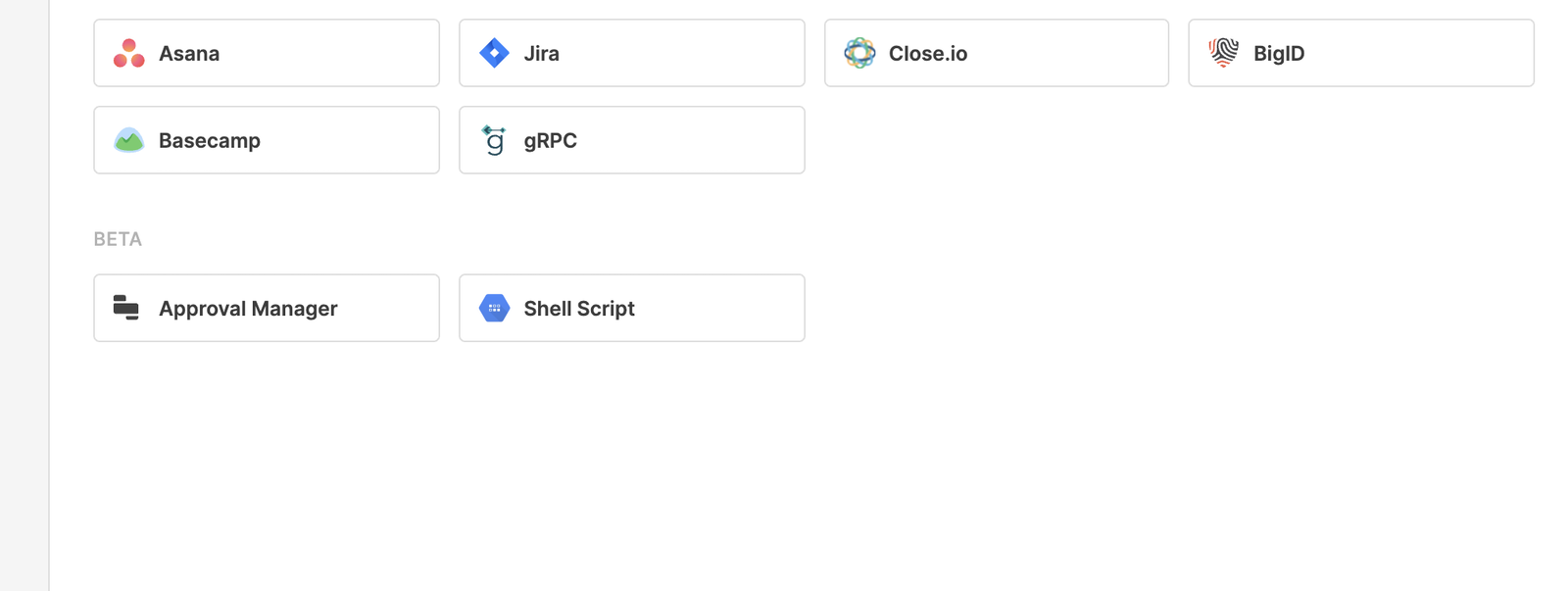
2. Create a new resource & choose Shell Script
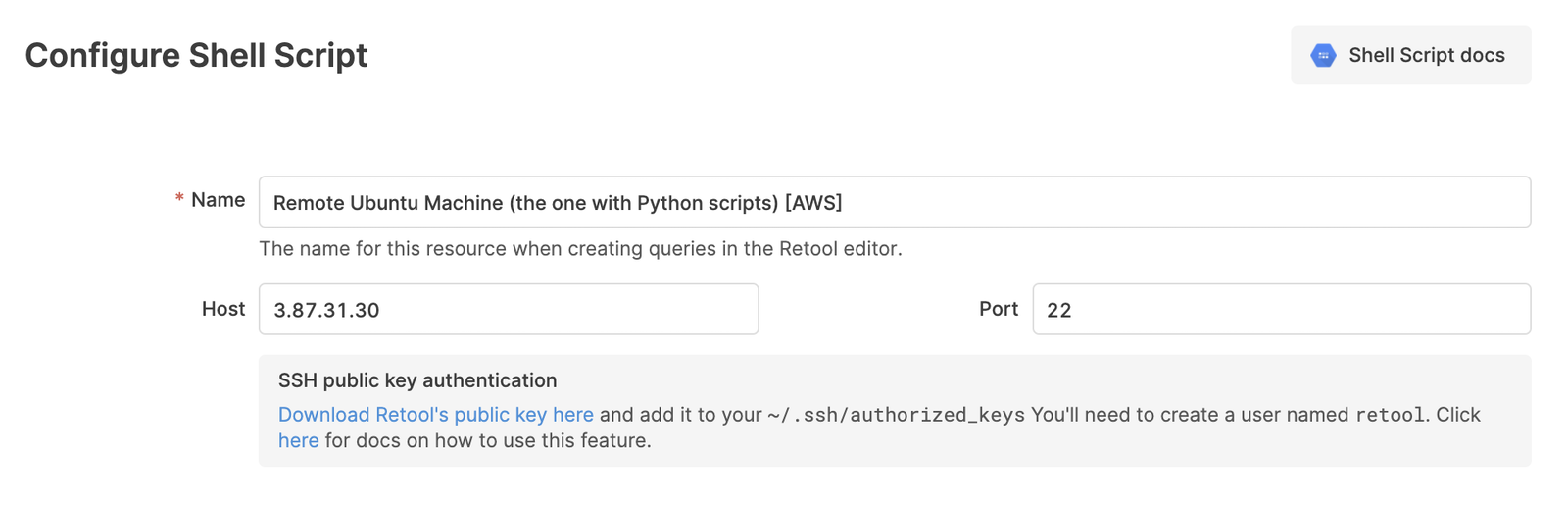
3. Enter machine information
4. Download Retool's public key
Your instance of Retool generates a public and private key pair. For Retool to connect with your remote host, you must add Retool's public key. This is the same process we recommend for configuring bastion hosts, and detailed steps can be found here.
5. Test connection and create resource
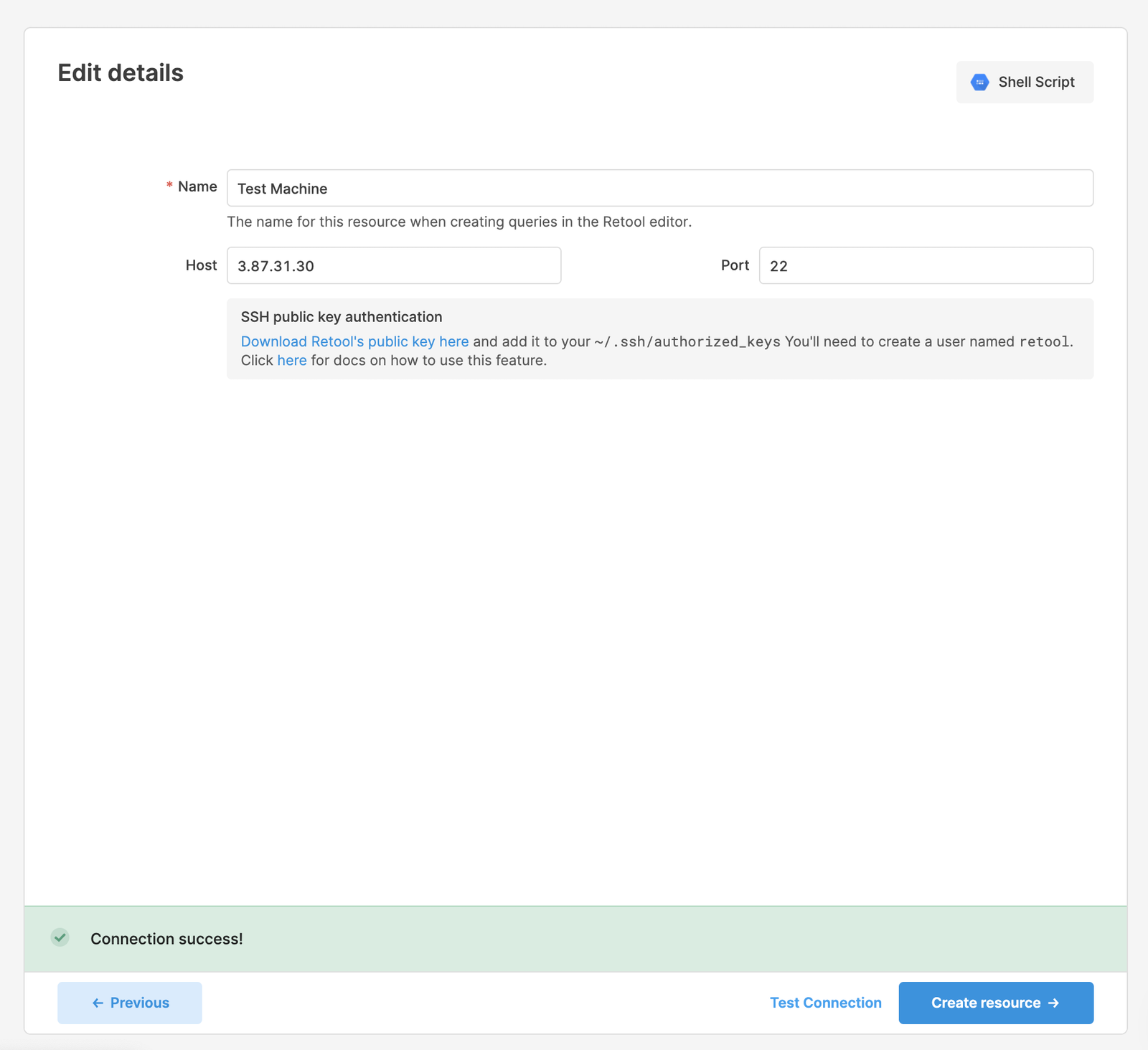
Test the connection by clicking the Test Connection button right next to the Create Resource button in the bottom right.
Example Usage
Calling simple, static commands
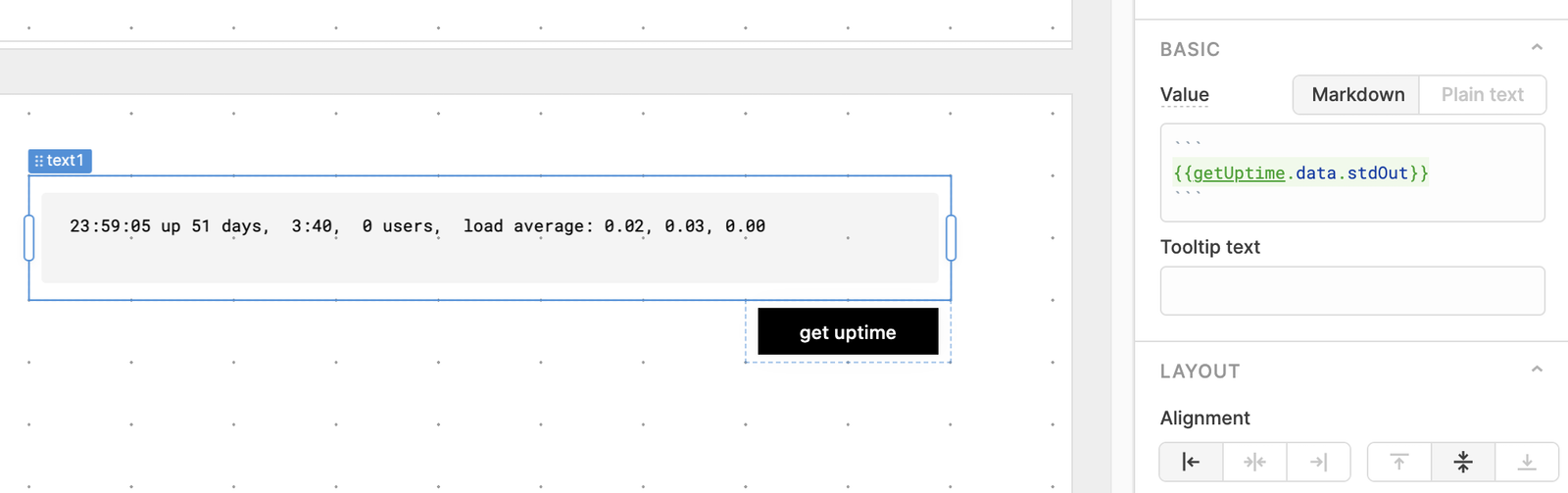
Any command supplied to a Shell Script query will be executed on the remote host. A simple application might allow a user to click a button to get the uptime of that machine. To do this, we need a query that calls "uptime", a button to trigger this query, and a place to display the result.
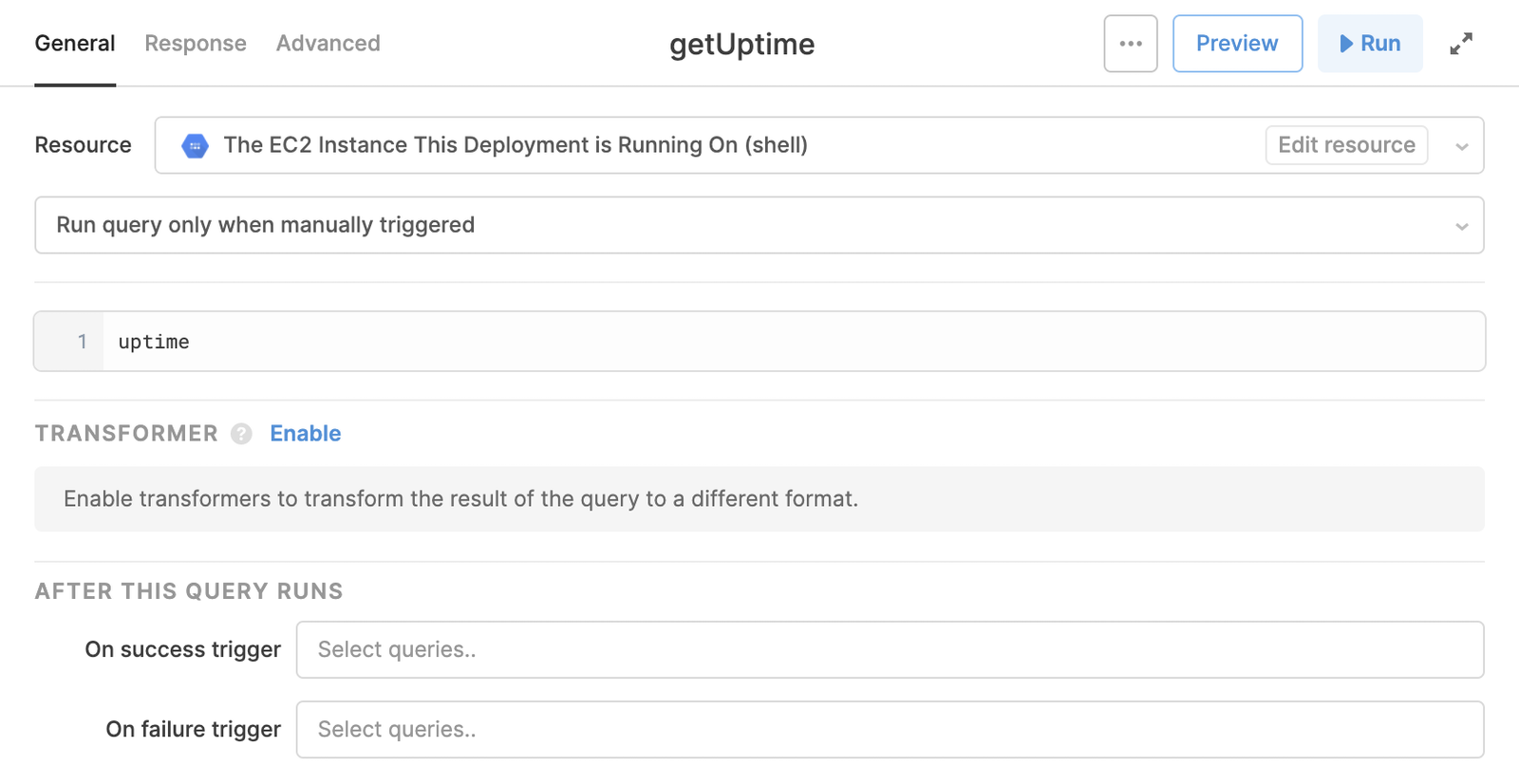
The result of a Shell Script query is an object with three keys:
exitCode: the exit code from the processstdErr: standard error from the processstdOut: the standard out from the process
Calling commands with dynamic arguments
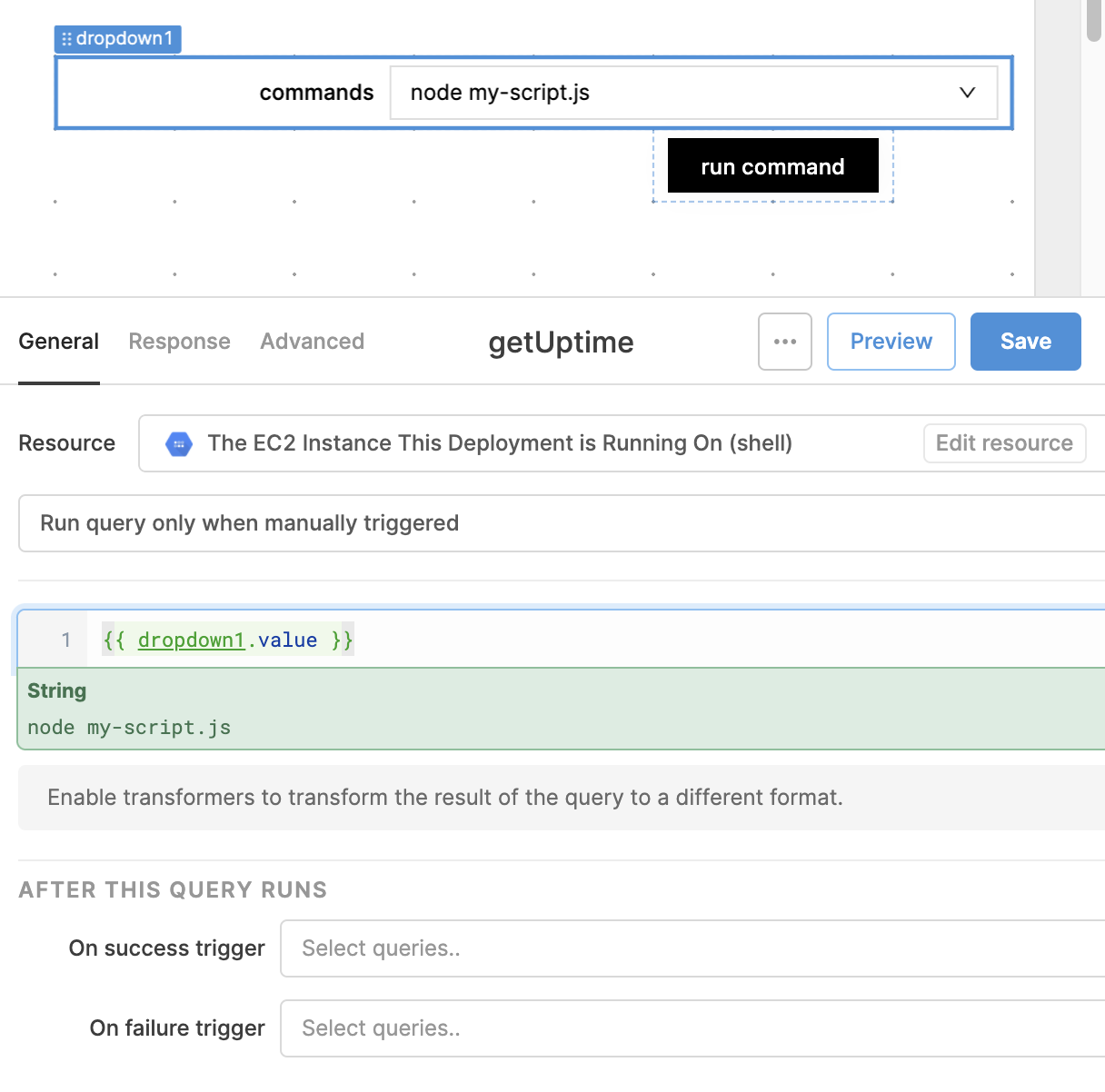
In real applications, we need to trigger commands with dynamic arguments. The Shell Script resource can take arguments from a Retool application via the {{ }}. For example, if we had a dropdown with two different commands, we could run one of them by consuming {{ dropdown1.value }} as Shell Script arguments.