Enable JIT user provisioning for SSO
Learn how to enable JIT user provisioning for SSO.
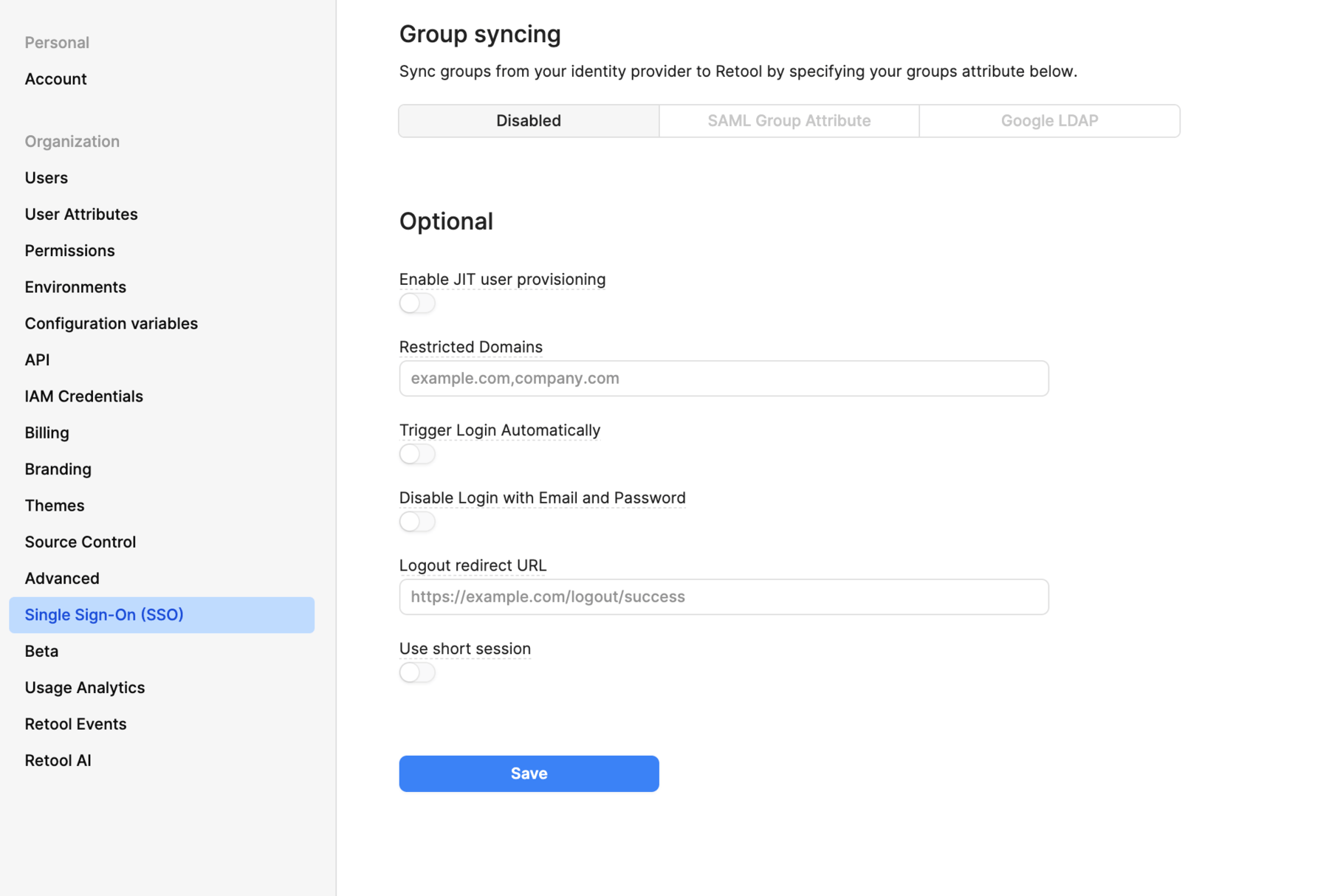
JIT user provisioning is optional, but recommended. When you enable this setting, Retool provisions user accounts when users sign in over SSO for the first time. This saves time for admins, who then don't need to manually invite users to Retool. The identity provider is still the source of truth and determines which users have access to Retool. Users must also still be granted access in the identity provider before an account is created in Retool.
- Cloud-hosted organizations
- Self-hosted organizations
- Navigate to your organization's Single Sign On (SSO) settings.
- Select your configured SSO provider.
- Toggle Enable JIT user provisioning.
- Navigate to Settings > Single Sign-on (SSO).
- Select your configured SSO provider.
- Toggle Enable JIT user provisioning.
If you're setting up SSO with Google, you also need to set the DEFAULT_GROUP_FOR_DOMAINS environment variable.