Enforce SSO
Learn how to disable Retool's standard authentication and require SSO authentication.
You can disable Retool's built-in authentication method (email address and password) and require that all users log in using SSO credentials.
- Cloud instances
- Self-hosted instances
Cloud-hosted instances must configure and test SSO before enabling this setting. Disabling Retool's standard authentication can lock all users out of your organization.
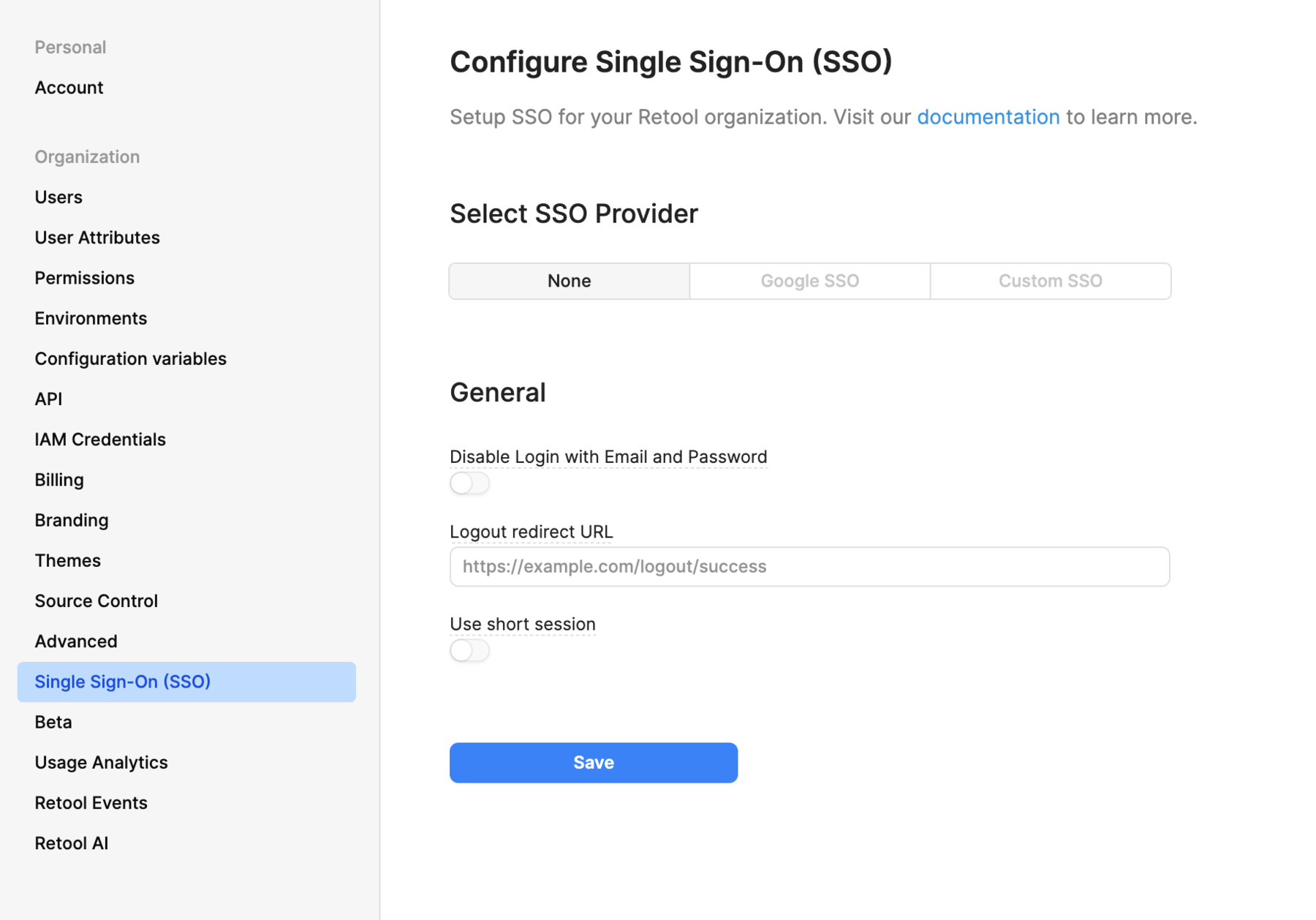
Navigate to your organization's Single Sign On (SSO) settings and toggle Disable Login with Email and Password.
Set the DISABLE_USER_PASS_LOGIN environment variable, then apply the change:
- Terraform blueprints
- Helm
- Docker Compose
Set it in retool_helm_extra_values in main.tf, then run terraform apply.
Set it in your values.yaml, then run helm upgrade.
Set it in docker.env, then run sudo docker compose up -d.