Automatically trigger SSO authentication
Learn how to automatically trigger SSO authentication when a user navigates to your organization.
Retool can automatically prompt users to sign in with SSO and begin the OAuth 2.0 or SAML authentication flow.
- Cloud-hosted organizations
- Self-hosted organizations
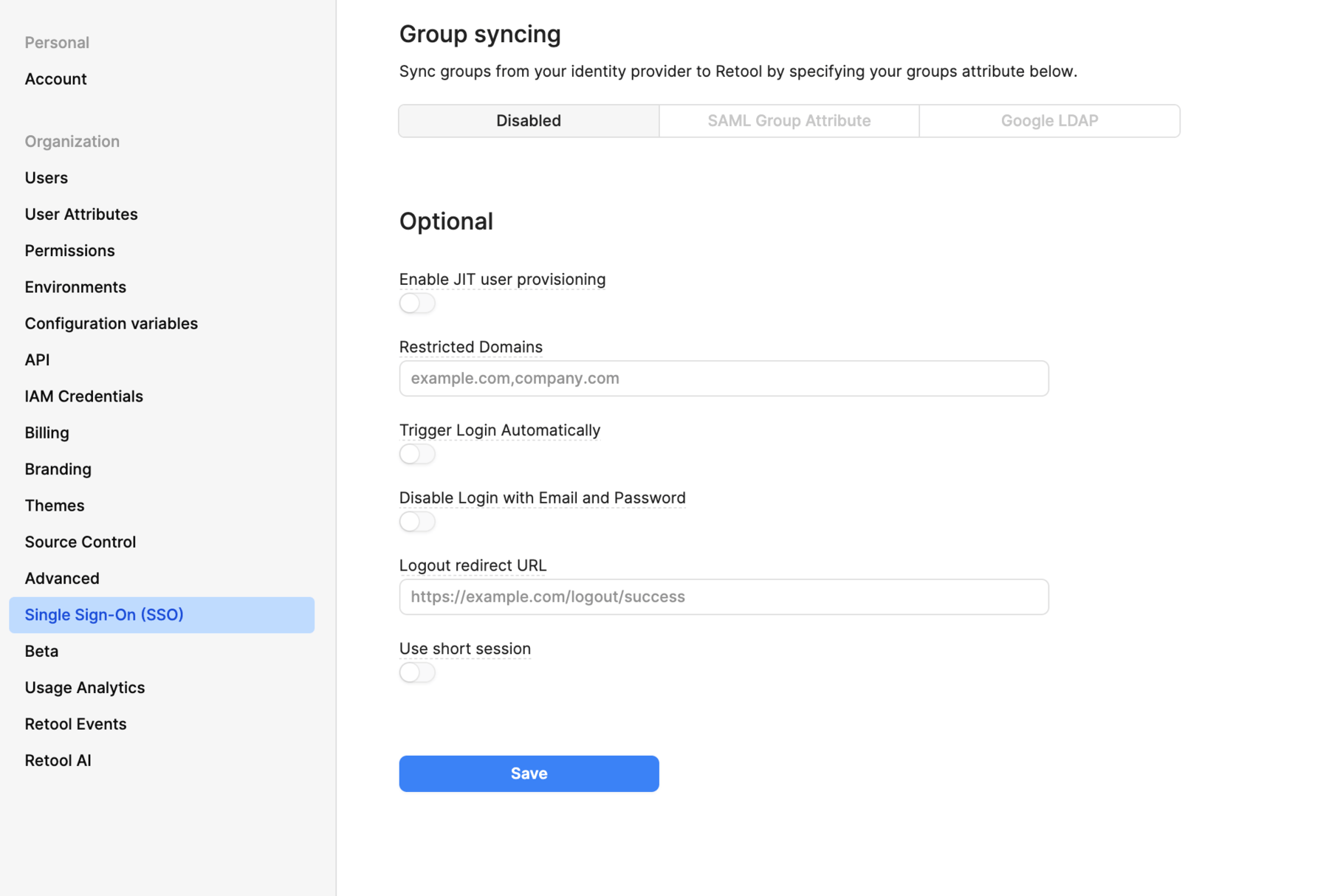
- Navigate to your organization's Single Sign On (SSO) settings.
- Select your configured SSO provider.
- Toggle the Trigger Login Automatically setting.
- Navigate to Settings > Single Sign-on (SSO).
- Select your configured SSO provider.
- Toggle the Trigger Login Automatically setting.
You can also set one of the TRIGGER_OAUTH_2_SSO_LOGIN_AUTOMATICALLY or TRIGGER_SAML_LOGIN_AUTOMATICALLY environment variables.