Preview and share classic apps with users
Learn how to preview and share classic apps with users.
You're viewing documentation for classic apps, which use Retool's original app editor. The new app builder is the recommended way to build apps and where Retool focuses new development.
You can preview web apps in view-only mode within the app IDE. Once you've completed your app, you can then share it with other users.
If your app is in the Drafts folder, you need to publish it before sharing it.
Preview an app
Click the preview button in the app IDE navbar to switch to a view-only version of the app. If you use release management, you can also preview specific app versions.
You can also press Ctrl Alt Enter to toggle between View mode and Edit mode.
Share web apps with users
To share an app with other users in your organization, you can either:
- Open an app and click Share in the top-right:
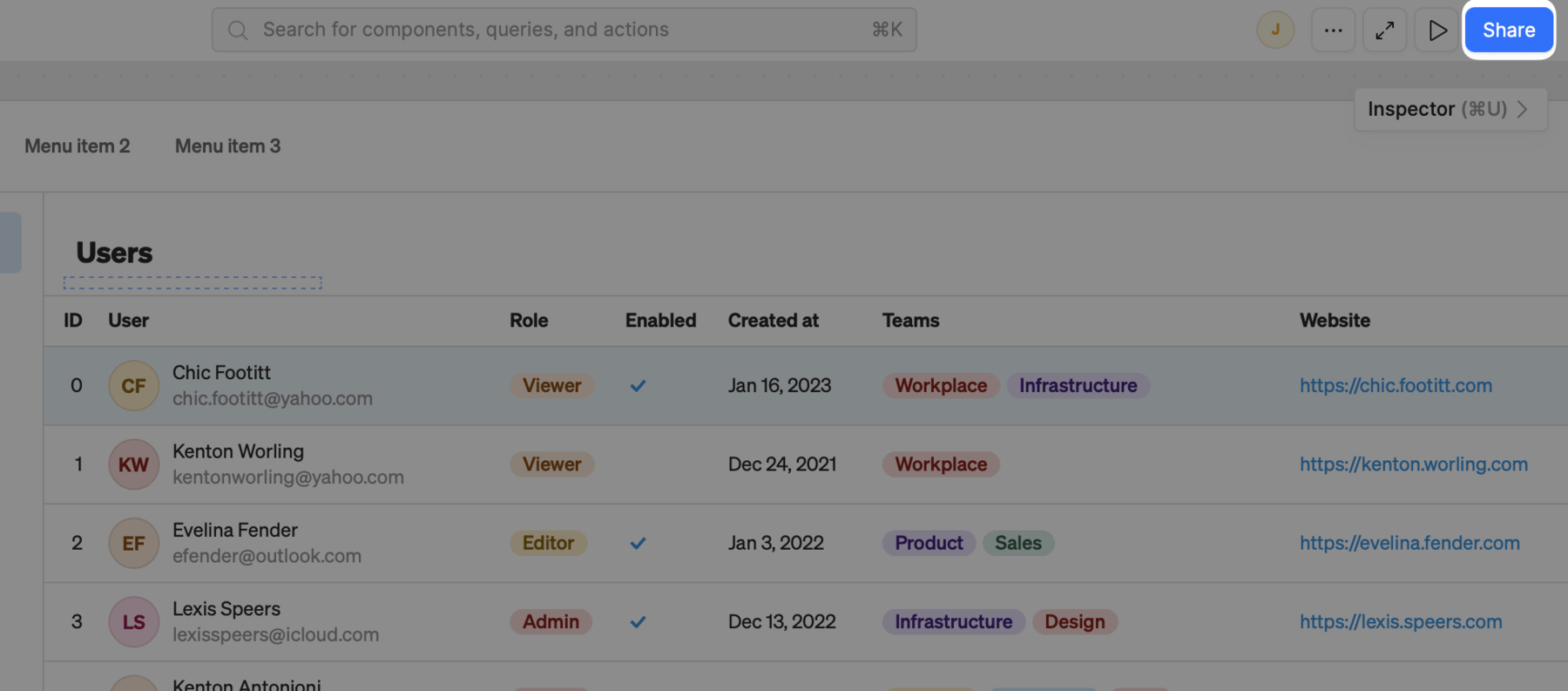
Share the currently opened app.
- Browse through all available apps and click ••• > Share.
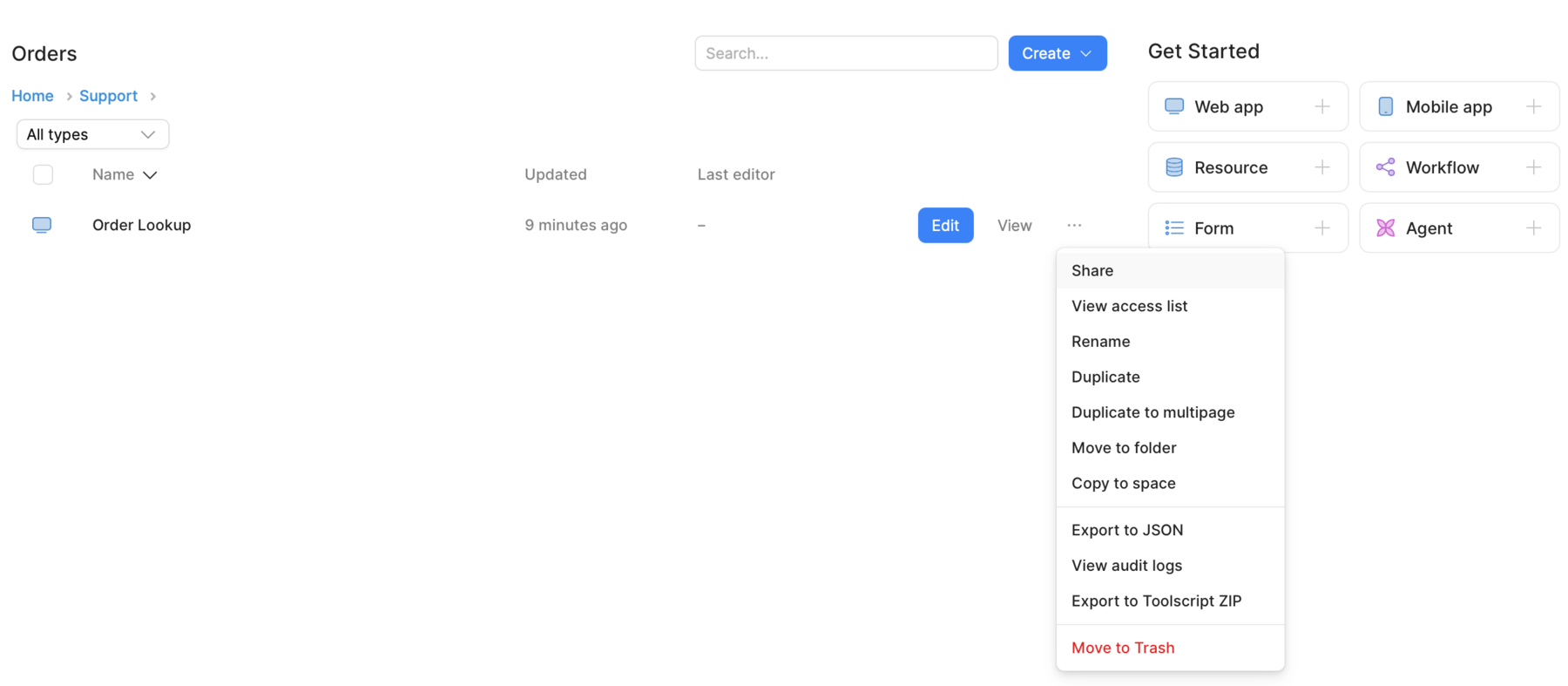
Browse and share apps.
Admins can share apps with existing users and invite new members to join. This includes setting the user's access level (Use, Edit, or Own) for the app. Non-admins can only share apps with existing users.
You can also share a viewer link that launches your app in user mode, or use the provided IFRAME snippet to embed your Retool app in another page.
Generate a public link
Admins can create public links, which make the app available without authentication to anyone with the URL. Only generate a public link if your app does not access any sensitive information, and you are comfortable with anyone viewing it.
If your instance is self-hosted, reach out to your account manager or the support team and request access to public links.
To generate a public link, complete the following steps:
- Make sure that your app is published, and not in your Drafts folder.
- Open your app, and click Share.
- Click Copy link.
To turn off public links, click Public in the Manage access section, and change access to your organization only.
Share app folders with users
Admins can also share app folders with users. This enables you to share multiple apps within the same folder simultaneously rather than individually.
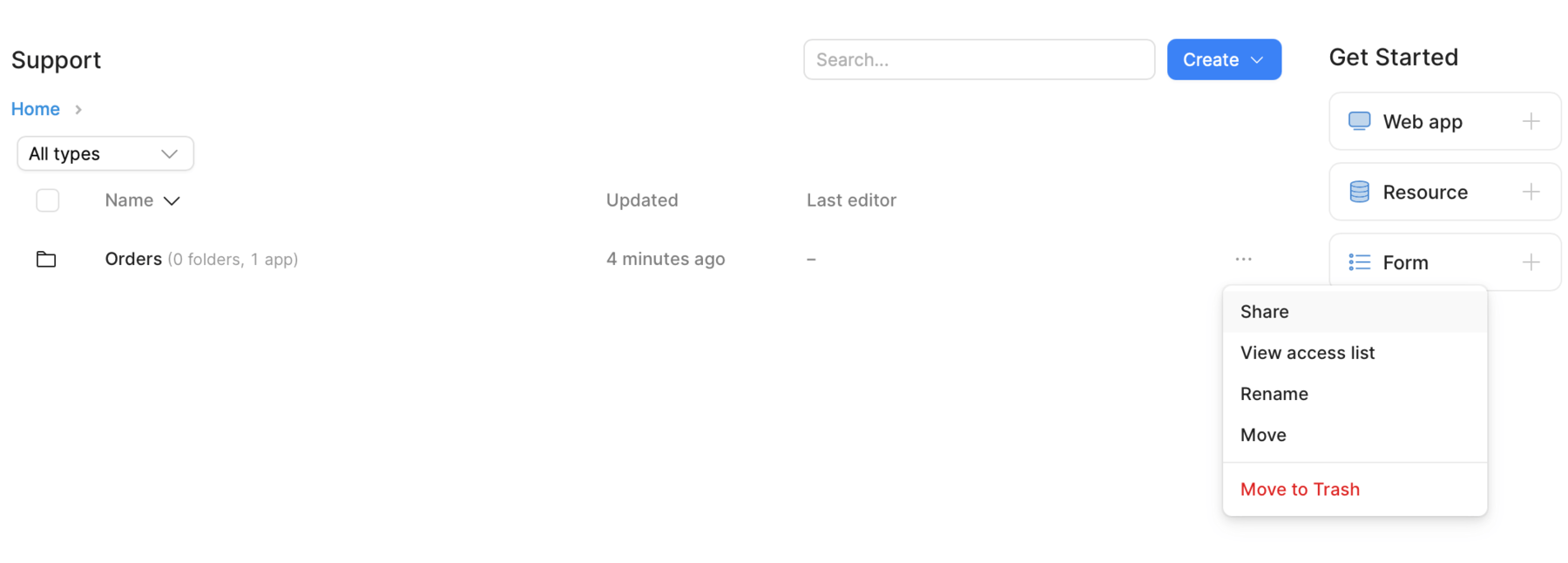
Share an app folder.