Enable passwordless login
Allow users to sign in with a link sent to their email instead of a password.
Passwordless login is an authentication method where Retool sends a one-time login link to the user's registered email address, and clicking it signs them in directly.
Enable passwordless login
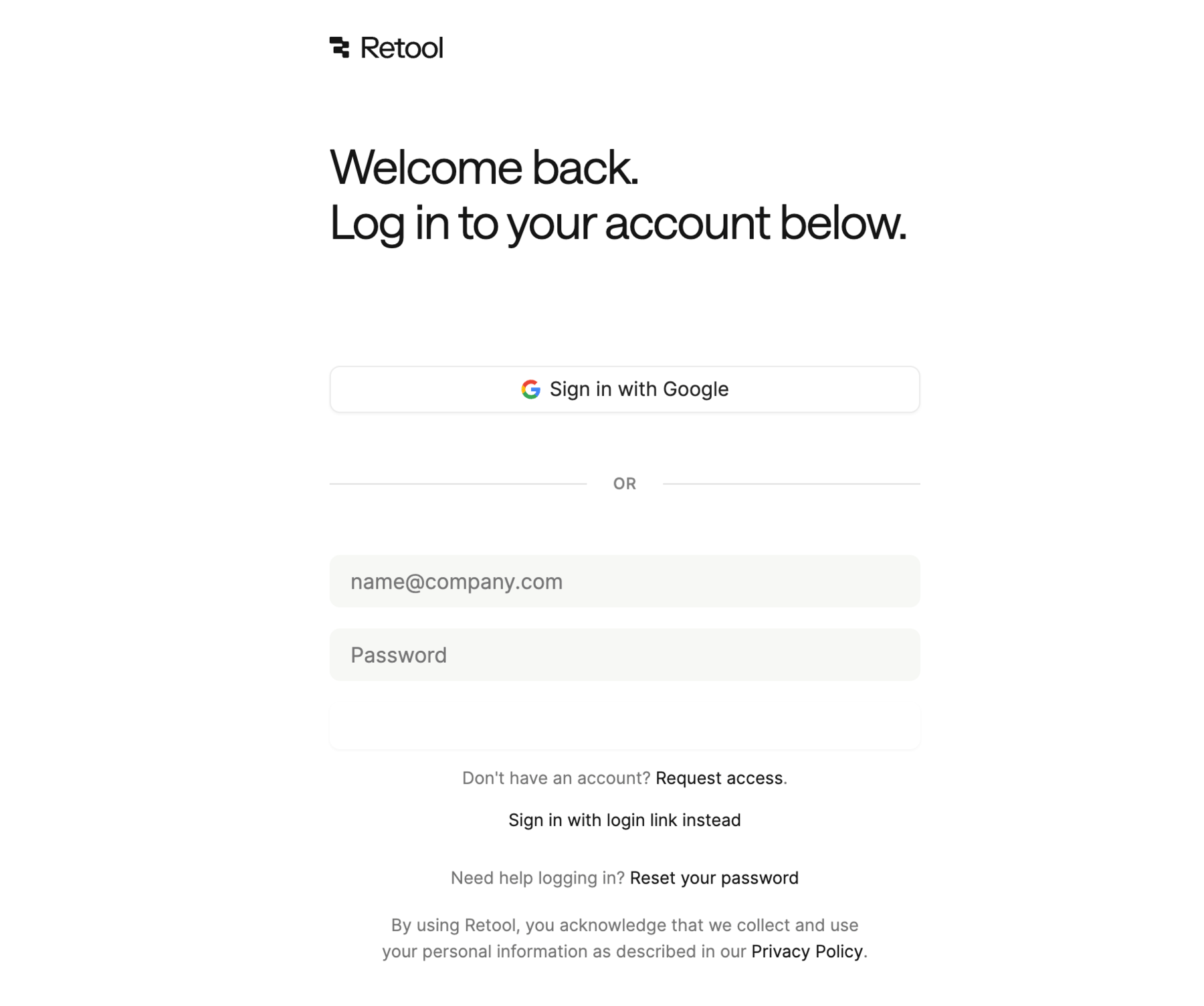
Admins can enable passwordless login for their organization by navigating to Settings > Advanced settings and toggling Enable passwordless login on. Once enabled, users see a Log in with a link instead option on the login page.
Request a login link
- On the Retool login page, click Log in with a link instead.
- Enter your email address and submit the request.
- Check your inbox for the login link and click it to sign in.
Login links expire after 30 minutes. If the link expires, the user requests a new one from the login page.