Enforce SSO
Learn how to disable Retool's standard authentication and require SSO authentication.
You can disable Retool's built-in authentication method (email address and password) and require that all users log in using SSO credentials.
- Cloud instances
- Self-hosted instances
Cloud-hosted instances must configure and test SSO before enabling this setting. Disabling Retool's standard authentication can lock all users out of your organization.
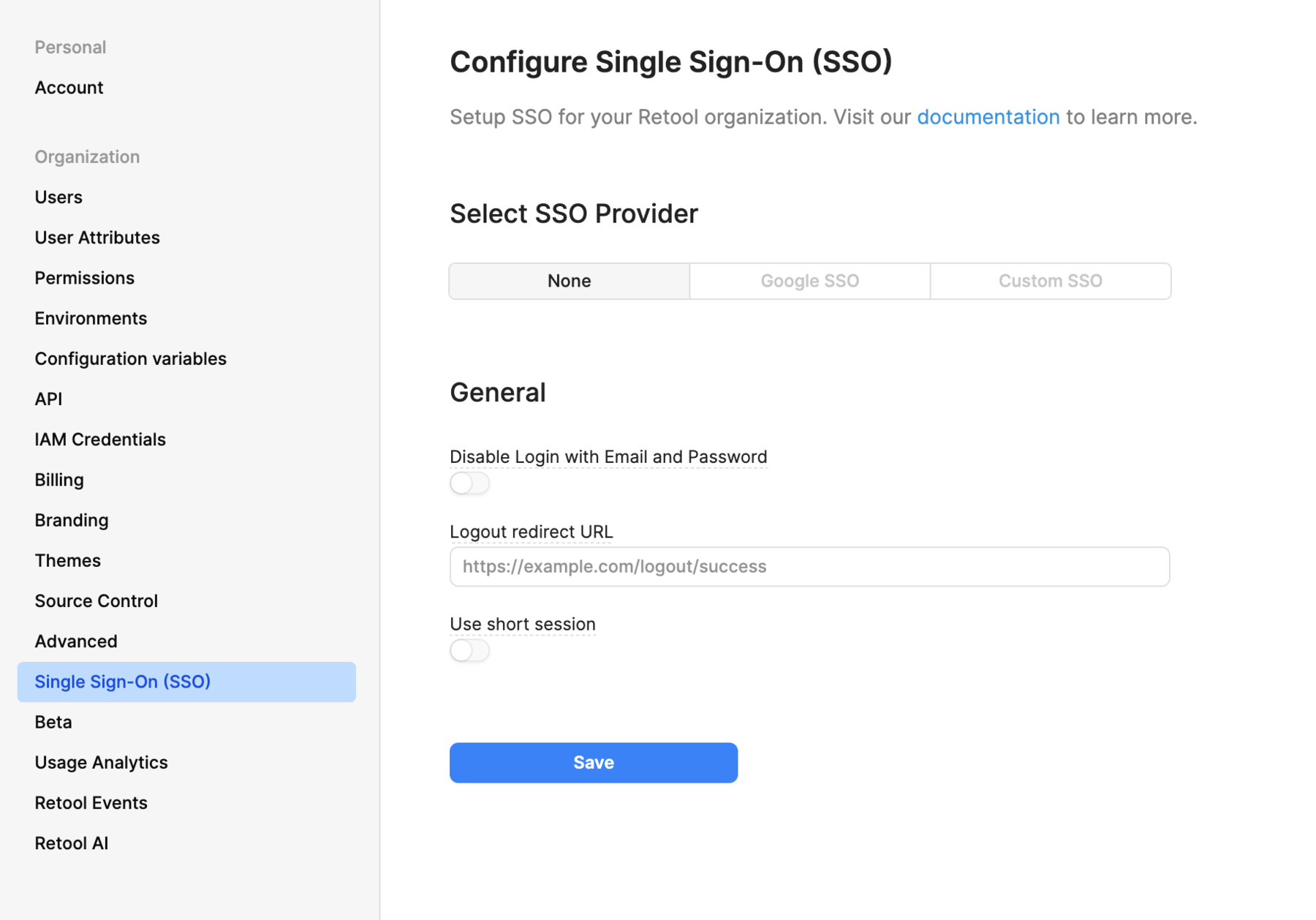
Navigate to your organization's Single Sign On (SSO) settings and toggle Disable Login with Email and Password.
Set the DISABLE_USER_PASS_LOGIN environment variable.
Only configure environment variables when needed. You can configure many environment variables from your organization's Settings rather than directly editing your deployment's configuration file.
Environment variables take effect only once the change is applied to your deployment, and where you set them depends on how Retool was deployed.
- Terraform blueprints. Set the variable in
retool_helm_extra_valuesinmain.tf, then runterraform apply. Editing Helm values directly on a blueprint-managed instance is overwritten by the next apply. - Helm. Set the variable in your
values.yaml, then runhelm upgrade. That command restarts the affected pods as part of applying the new values, so restarting pods without re-running it doesn't pick up the change. - Docker Compose. Set the variable in
docker.env, then runsudo docker compose up -d.