Deploy mobile apps
Learn how to deploy Retool Mobile apps.
The Retool Mobile app is available on the App Store or Google Play. Once installed, you can log in to Retool and run mobile apps natively.
Sign in to your Retool organization
You can share app links to users that automatically log them in using passwordless login.
Use Host settings to select whether your instance is cloud-hosted or self-hosted. Both self-hosted and cloud instances use the Retool Mobile app for iOS and Android to launch mobile apps natively.
Use WebView Login for devices with limited memory
If your mobile devices have limited memory, you can enable the WebView Login option in your organization's Beta settings to use an embedded WebView component for web-based logins. This reduces the Retool Mobile app's total memory usage and help prevent it from being unloaded when in the background.
Browse and launch Retool Mobile apps
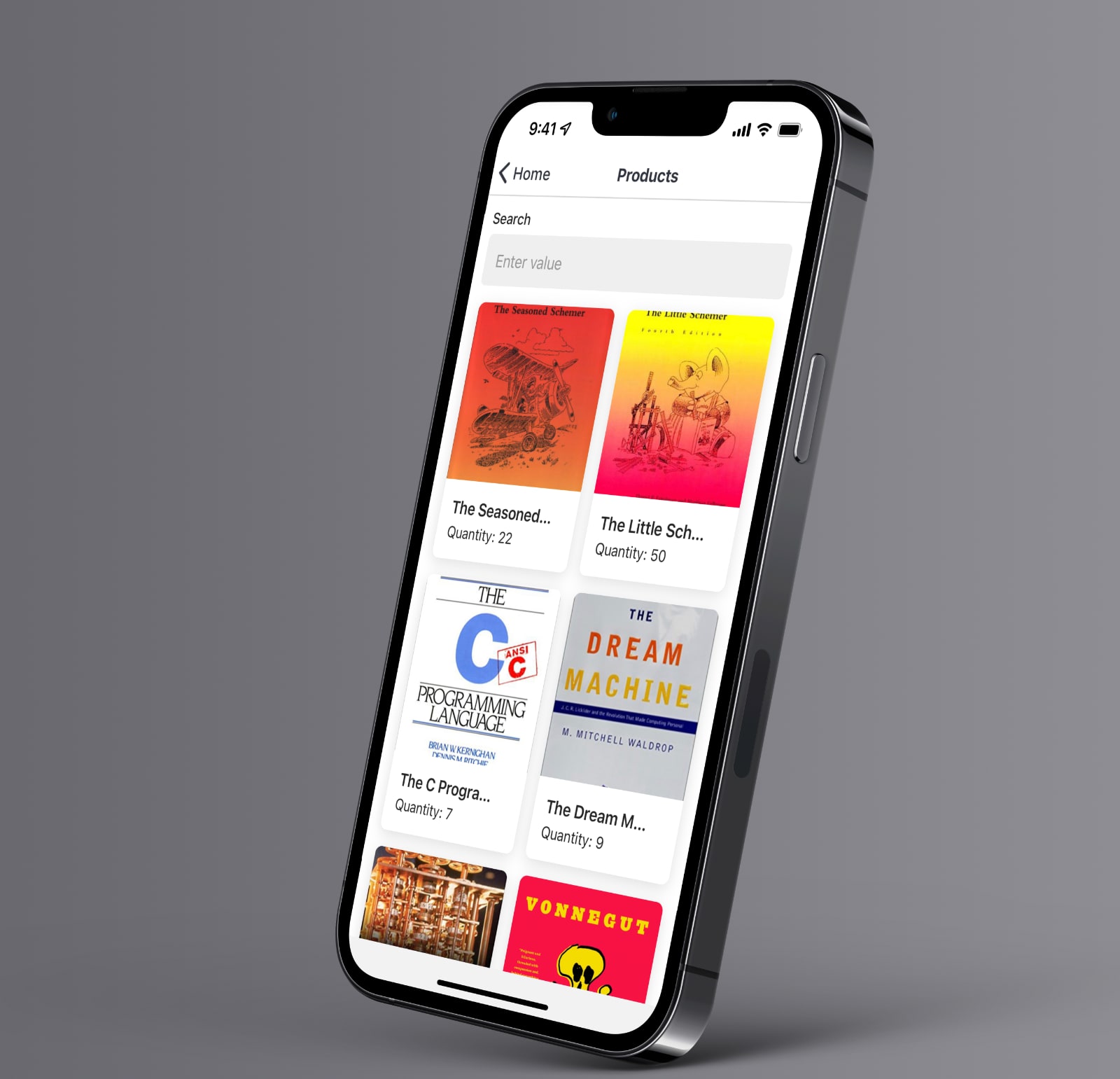
Retool Mobile for iOS and Android provides access to your Retool organization's mobile apps. When launched, it runs the most recently opened mobile app.
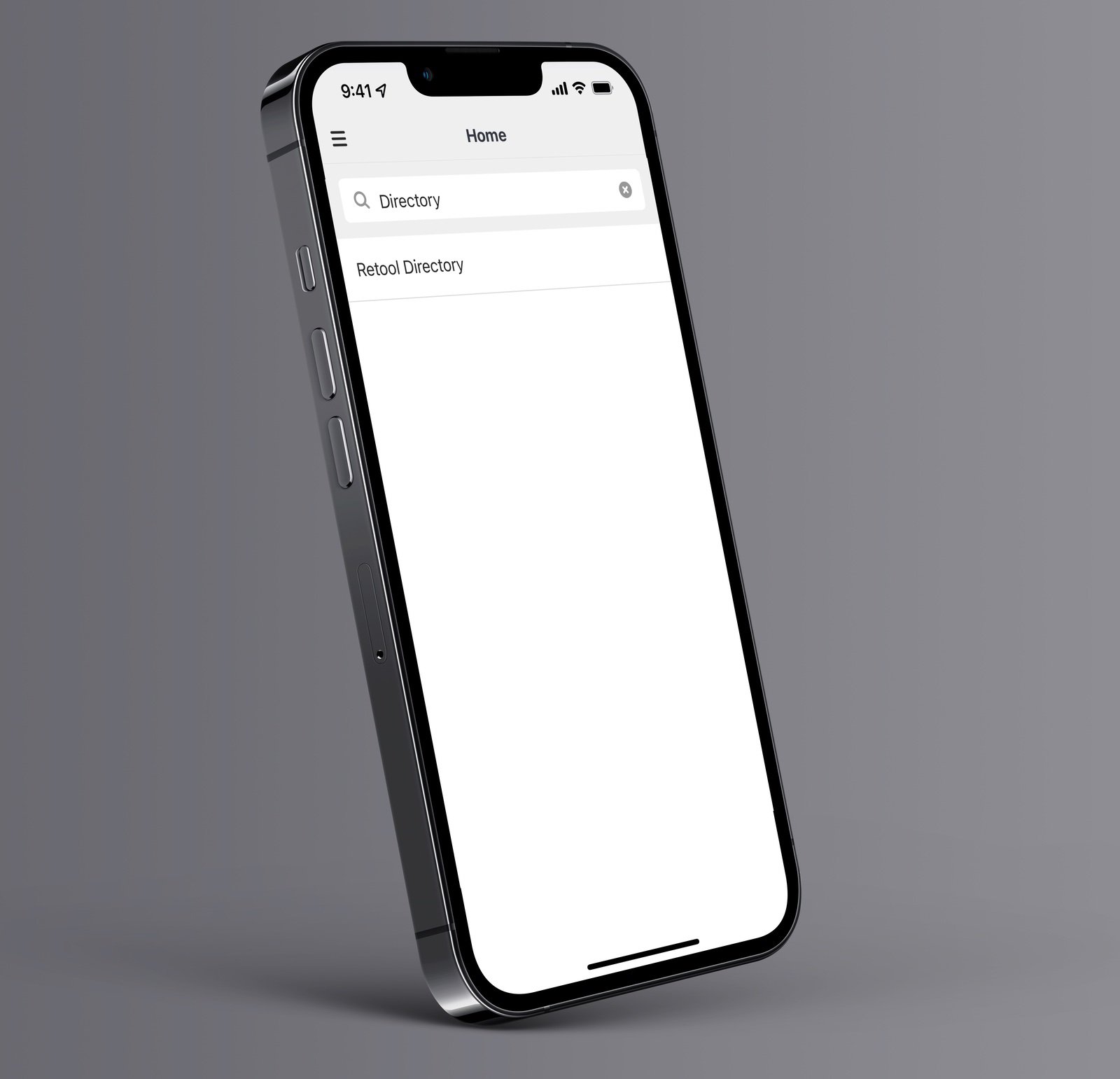
You can browse through the list of apps or search to find a particular mobile app. You can return to this list by pressing the Home button in the title bar area of the mobile app. You can also access frequently used apps in the side drawer.
Switch environments
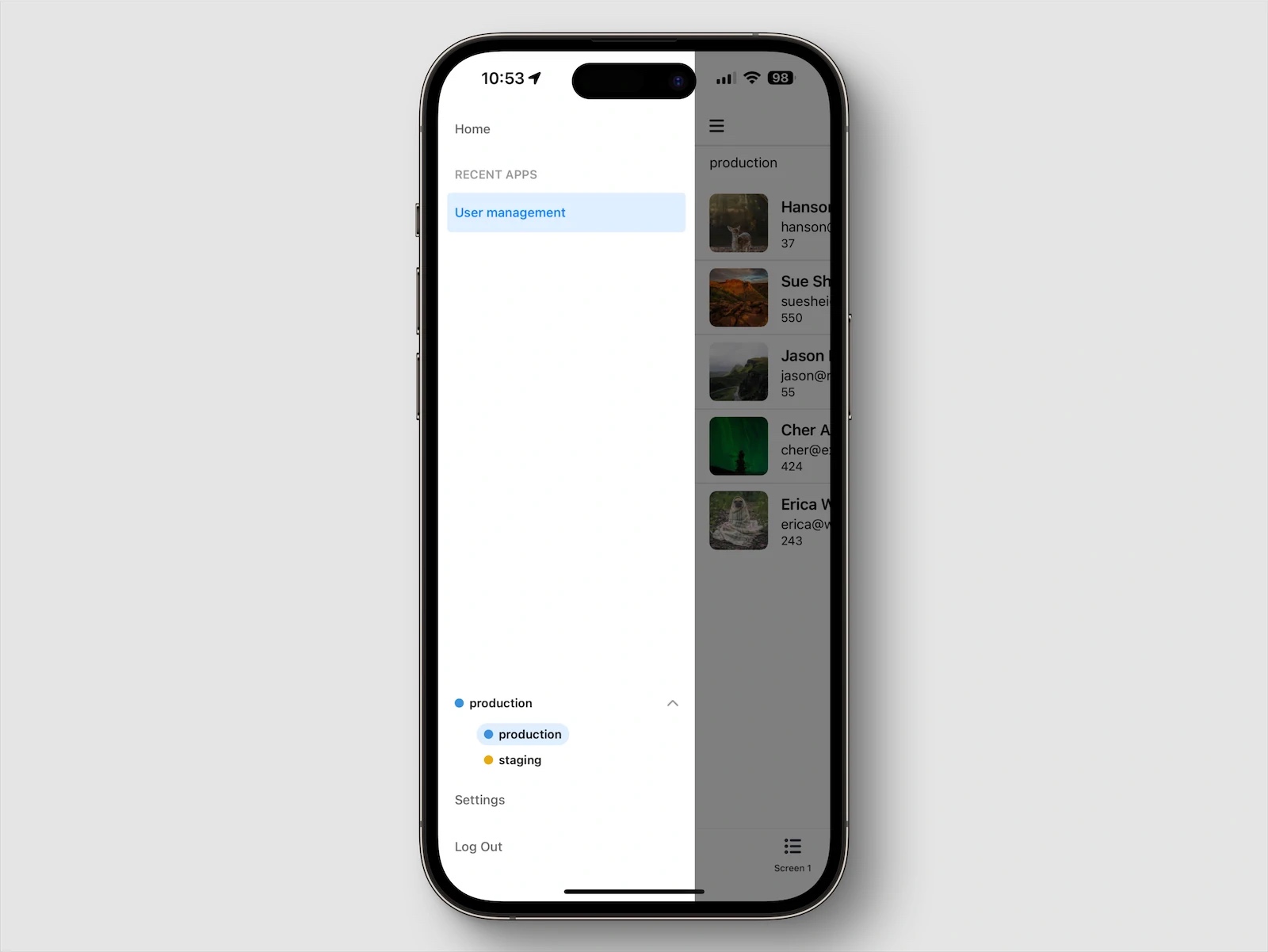
If your mobile app queries resources configured with multiple environments (e.g., Production and Staging), you can switch between them in the sidebar of the Retool Mobile app. Environment switching is only available to users with Edit access to apps.
Retool Mobile on the web
Self-hosted Retool organizations directly control and manage PWA versions of Retool Mobile apps.
You can launch Retool Mobile apps as progressive web apps (PWA). This enables the use of Retool Mobile apps on a wide range of devices that cannot run them natively using Retool Mobile for iOS and Android (e.g., Amazon Fire tablets).
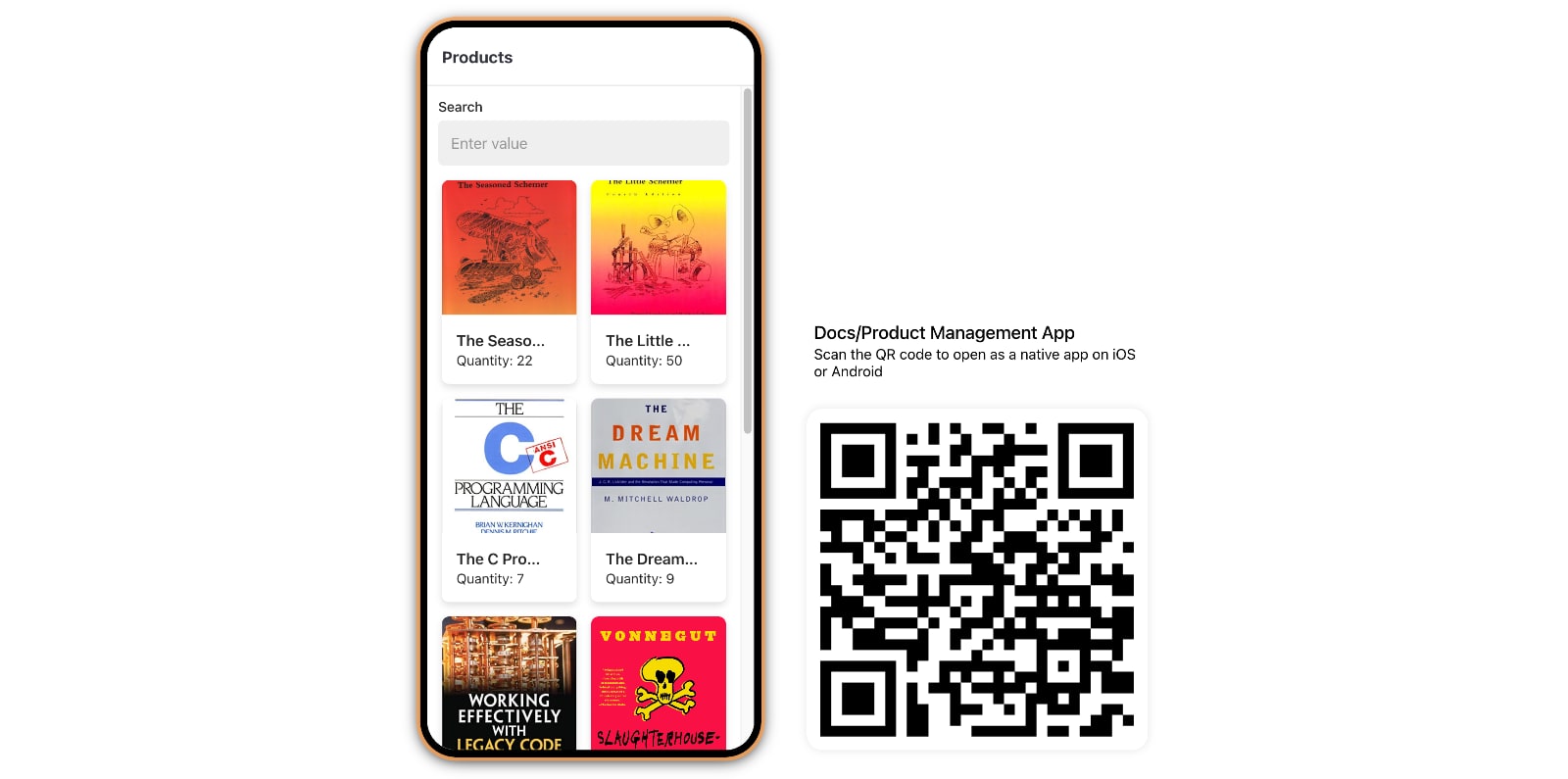
Open an app link in a browser to launch a Retool Mobile app on the web. On a desktop device, the Retool Mobile app is displayed in a device frame and includes a QR code that links to the app. Scan the QR code from your mobile device to launch the app from the device.
Share apps and invite users
You can generate an auto-join link that allows users to sign up from the Retool Mobile app using SSO. Users who sign up using this method are added to your organization as mobile-only users. You must configure auto-join domains to enable this option.
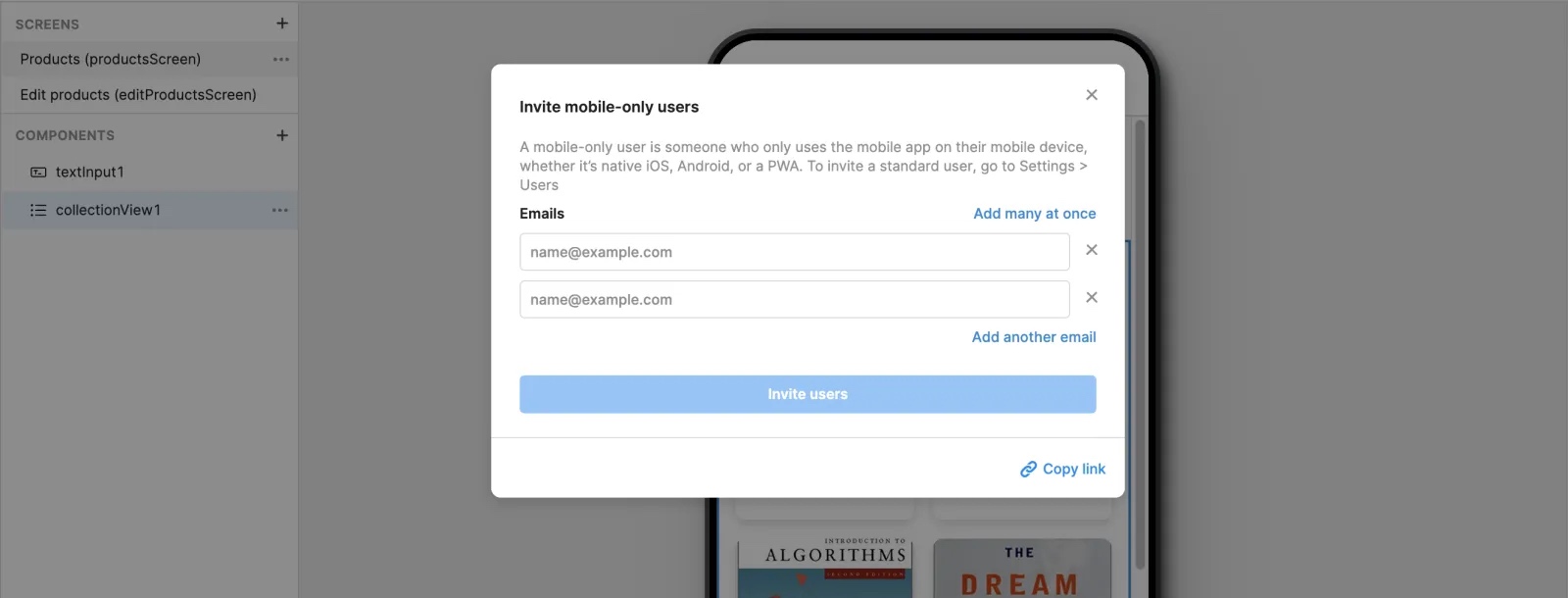
You can invite new users or send a link to existing users via email. Click the Share button in the upper-right of the app IDE to display sharing options. You can enter individual email addresses or click Add many at once to use a comma-separated list. You can also copy the link to an app to use elsewhere.
All Retool apps have a unique URL. Direct links open in the Retool Mobile iOS or Android app automatically. If the app is not currently installed, the user is routed to their device-specific app store listing for download.
Invited users can create an account in Retool Mobile for iOS and Android before the mobile app launches.
- Cloud
Passwordless login
Retool Mobile includes a passwordless login flow for existing users. Any existing user who opens a mobile app link is automatically logged into the Retool Mobile app. This enables you to distribute apps to your workforce without existing users needing to log in first, resulting in fewer steps.
You can also perform passwordless login if you first need to install the Retool Mobile iOS or Android app. Retool copies the app link to the clipboard when redirecting you to the device-specific app store listing. Once installed, the Retool Mobile app uses the clipboard link to complete passwordless login. This requires access to the clipboard contents. When prompted, click Allow.
The passwordless login flow for users who just installed Retool Mobile can automatically sign in using passwordless login.
Restrict user access
Your users can browse and launch any of your mobile apps by default. If your Retool organization is on a Business or an Enterprise plan, you can configure permission controls and restrict mobile app access only to certain users or groups.