Store temporary data with variables and localStorage
Learn how to temporarily store data for apps.
You're viewing documentation for classic apps, which use Retool's original app editor. The AI app builder is the recommended way to build apps and where Retool focuses new development.
You can store data temporarily instead of writing changes back to a data source. There are three methods available:
- Variables: Temporarily store data within the app.
- localStorage: Temporarily store data in the customer's browser.
- URL query strings: Temporarily store data in the URL.
Variables are like scratch-pads for your app. You can store data in them while your app is running. They are accessible anywhere on your app inside {{ }}, and they support reads ({{ variable.value }}), as well as writes ({{ variable.setValue(3) }}).
localStorage is a flexible solution for temporarily storing data locally to the browser. All apps in your Retool organization have the same origin and share access to its localStorage. Users can erase their localStorage at any time though or switch to a different browser.
URL query strings are best suited for smaller pieces of information that you need to share between apps. You can append query strings to an app's URL and retrieve them using the url object.
Store data using variables
Variables are reset each time your app is loaded.
Variables are useful in the following situations:
- Retaining input field values or query results that can change while a user interacts with your app.
- Storing data that is only used in the app session and doesn't need to persist.
- Performing complex logic that requires temporarily storing data first.
Create a variable
Open the code list and click + to create variables.
JavaScript methods
You can call the following methods within JavaScript queries.
variable.setValue(value: any)
Sets variableName.value to the value passed in as an argument. Returns a void Promise.
For example, to set the value of variable1 to a string "user_123_456":
await variable1.setValue("user_123_456");
variable.setIn(path, value: any)
Sets the value of variableName.value at a specified location. path accepts an array of keys or indexes to select, where each item represents a key or index in the path to the object to update. The last item of the path array is the key or index to update. The value is set without destroying and recreating other values.
When using variableName.setIn, the initial value of variableName must be an empty object (e.g., { }).
The following examples show objects before and after calls to variableName.setIn.
Path as an array of indexes
- Variable before
- Call to variable.setIn()
- Variable after
"object1": {
  "key1": [
    "value1",
    "value2"
  ],
  "key2": {
    "nestedKey1": "value3"
  }
}
await variableName.setIn(["object1", "key1", 1], "value3")`
"object1": {
  "key1": [
    "value1",
    "value3"
  ],
  "key2": {
    "nestedKey1": "value3"
  }
}
Path as an array of keys
- Variable before
- Call to variable.setIn()
- Variable after
"object1": {
  "key1": [
    "value1",
    "value2"
  ],
  "key2": {
    "nestedKey1": "value3"
  }
}
await tempState.setIn(["object1", "key2", "nestedKey1"], "value4")
"object1": {
  "key1": [
    "value1",
    "value2"
  ],
  "key2": {
    "nestedKey1": "value4"
  }
}
Store data using localStorage
Saving a value to localStorage using a key that currently exists will immediately overwrite it. Use a naming convention if you intend to use localStorage with multiple apps.
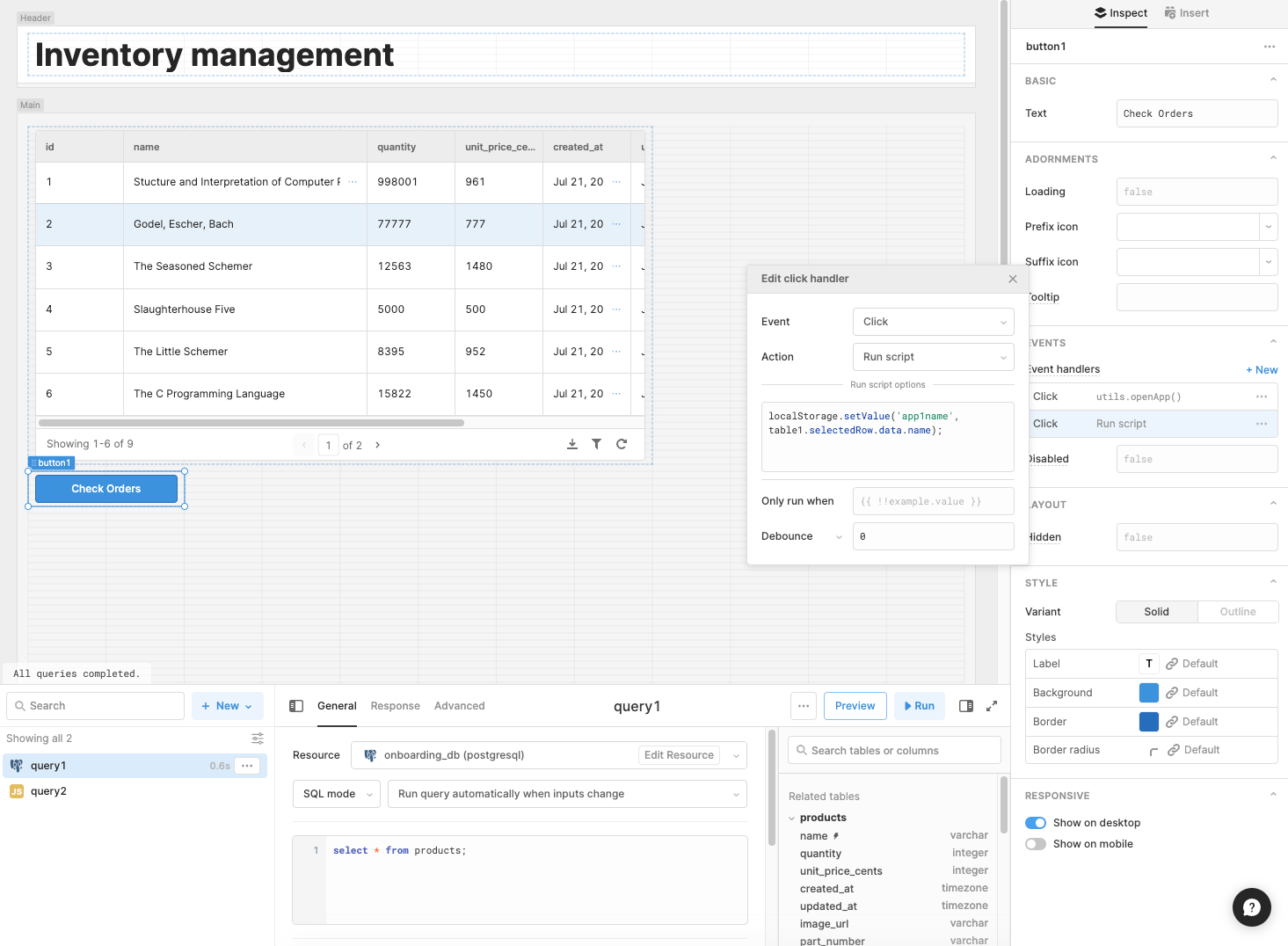
Use localStorage.setValue() to save data as key-value pairs to localStorage. You can also save objects to localStorage if you want to share entire data sets rather than individual values.
// Save to localStorage

localStorage.setValue("app1name", table1.selectedRow.name);

localStorage.setValue("app1data", table1.selectedRow);
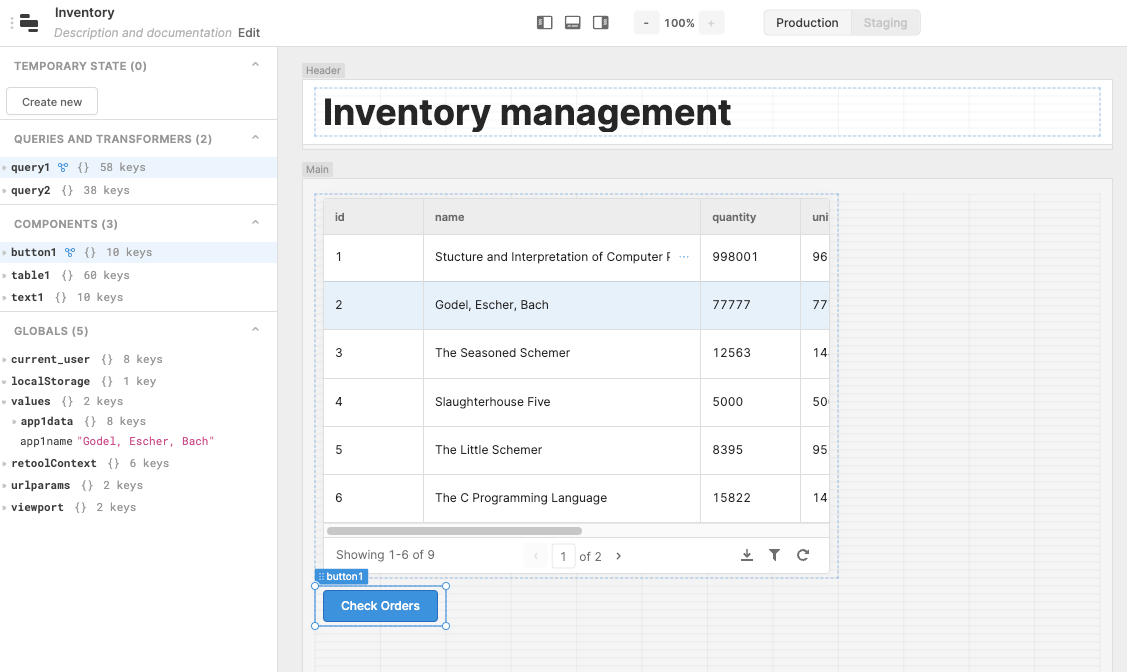
You can use the State tab to view localStorage and confirm that your app data was successfully saved. Click the Left panel button, located above the canvas, to open the Modal Browser. Expand localStorage to reveal the currently stored values.
Retrieving data
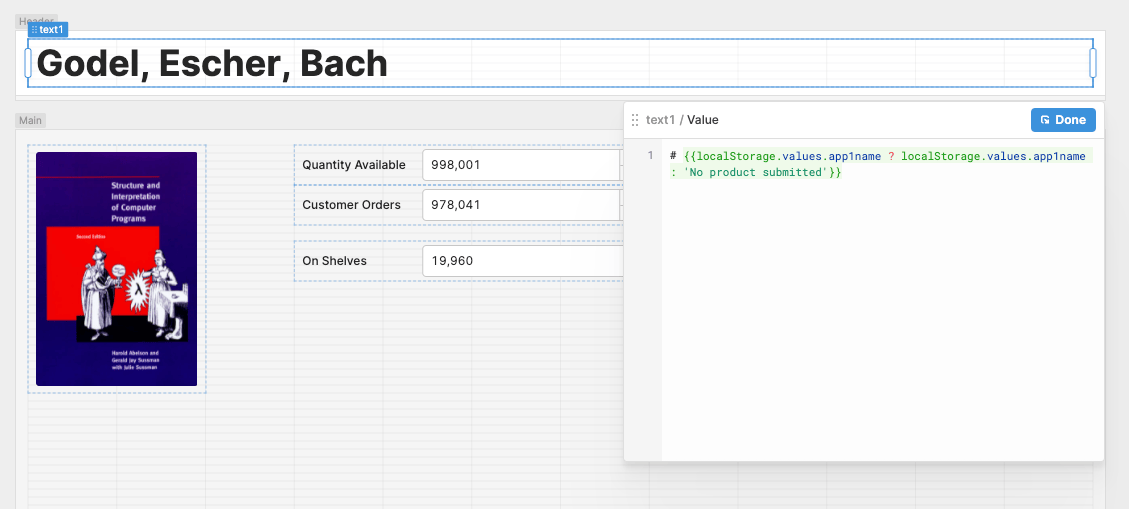
Use localStorage.values to retrieve saved data from localStorage:
// Load a value stored in localStorage

{
  {
    localStorage.values.app1name
      ? localStorage.values.app1name
      : "No product submitted";
  }
}

console.log(localStorage.values.app1name);

// Load a value from an object stored in localStorage

{
  {
    localStorage.values.app1data.name
      ? localStorage.values.app1data.name
      : "No product submitted";
  }
}

console.log(localStorage.values.app1data.name);
Deleting data
Use localStorage.clear() to clear all localStorage data from your apps. You can also clear specific values by setting an empty value for a specified key:
// Clear localStorage

localStorage.clear();

// Set an empty value

localStorage.setValue("app1name", null);
Retool recommends you delete data from localStorage after retrieving it once it is longer needed.
Considerations when using localStorage
Keep in mind the following considerations to avoid common pitfalls when implementing localStorage:
- Prevent query loops. Avoid queries that write to localStorage that trigger based on changes to localStorage values. This can cause an infinite loop and impact your app's performance.
- Assume apps are open in multiple tabs. It's common for users to have multiple apps—or multiple instances of the same app—open in different browser tabs. Consequently, an event triggered by a change to a localStorage value can cause performance issues because it occurs in every instance of the app.
Store values in URL query strings
You can send data directly from one app to another using query strings. Query strings are best suited for smaller pieces of information that is not sensitive.
Every app has a unique URL. There are two ways to pass data from one app to another with query strings:
- Use event handlers to open an app and specify query strings to include.
- Manually construct a link to another app that includes query strings in the URL.
Configure URL query strings with event handlers
An event handler acts in response to specified user interaction, such as a button click. The Go to app action opens another app and includes additional options to create query strings.
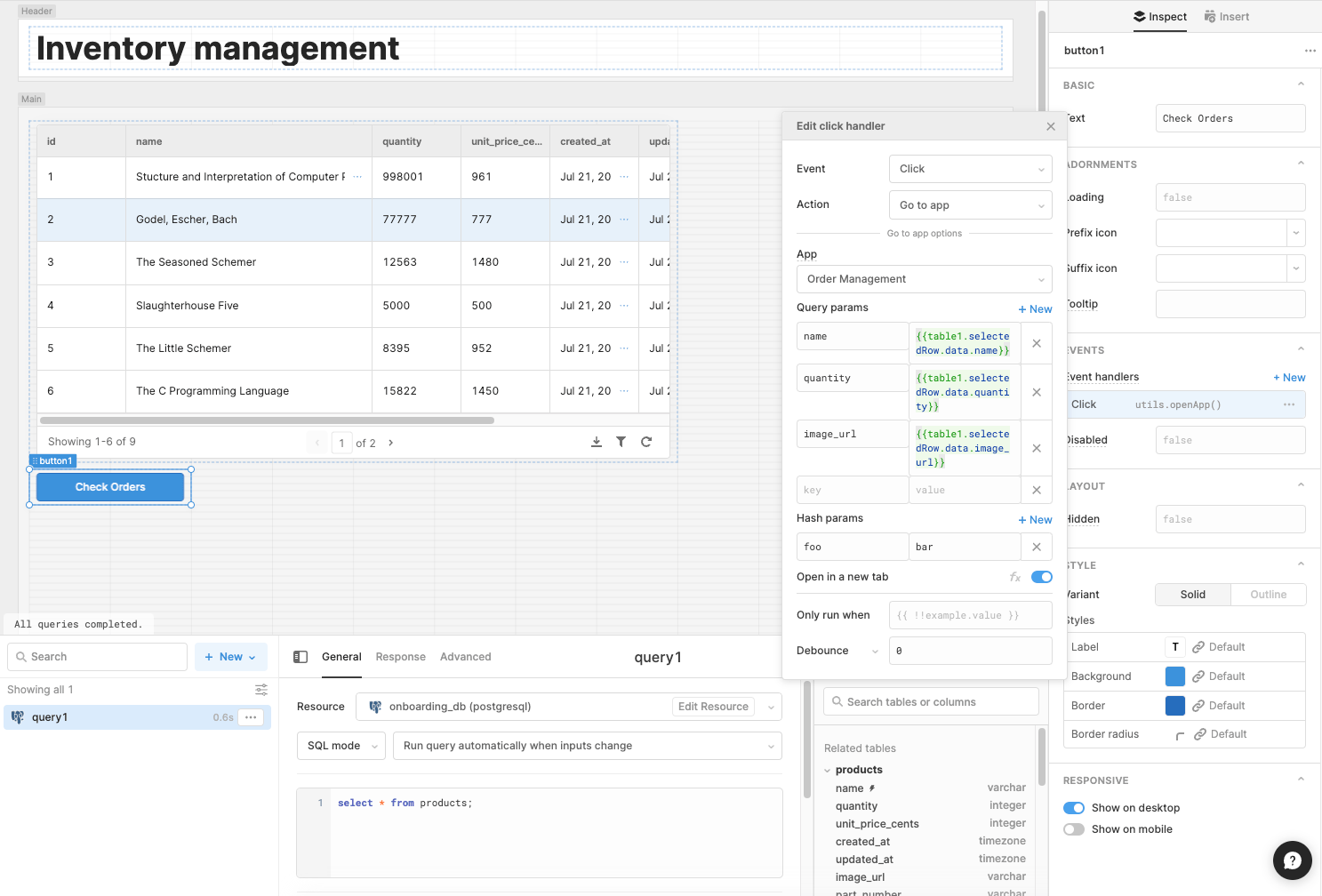
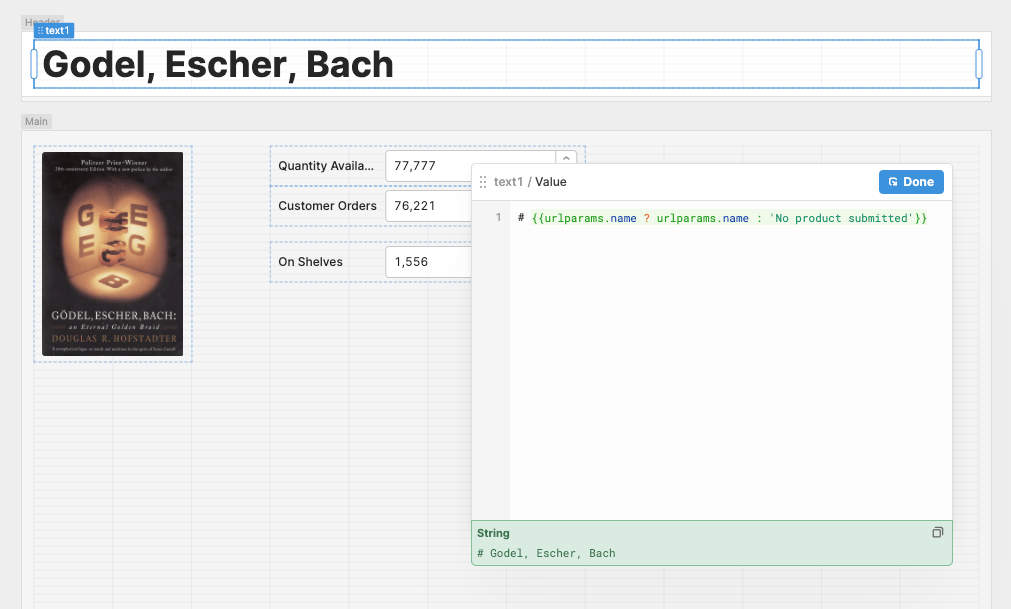
Specify a name for the query string and a reference to some data to pass. For example, a query string value of {{table1.selectedRow.name}} would include the value for the name column from this table’s selected row.
Manually construct a link
You can also link to an app with query strings attached to the URL. This method can be helpful if you need to link to an app differently or share data outside of Retool.
Copy the URL of the app you want to send data to, and add your query strings:
<a
  href="https://samples.retool.com/editor/5e31bf20-2861-11ec-9797-b304ca9072c9/Inventory?name={{table1.selectedRow.name}}"
  >Open in new app</a
>
Retrieve query string values
You retrieve any query strings appended to the app’s URL from the url object. For example, you can dynamically include the value of a particular query string or display a placeholder if the value doesn't exist:
// Load a value from a query string

{
  {
    url.searcbParams.name ? url.searchParams.name : "No product submitted";
  }
}

console.log(url.searchParams.name);