Buy additional AI credits
Buying additional AI credit packs by card is now available on all paid plans. Admins can buy a pack directly in Retool if their monthly allocation is running low.
To buy credits, go to Settings > Plans & Billing, select the AI Credits tab, then click Buy credits. Credits are available as soon as payment succeeds.
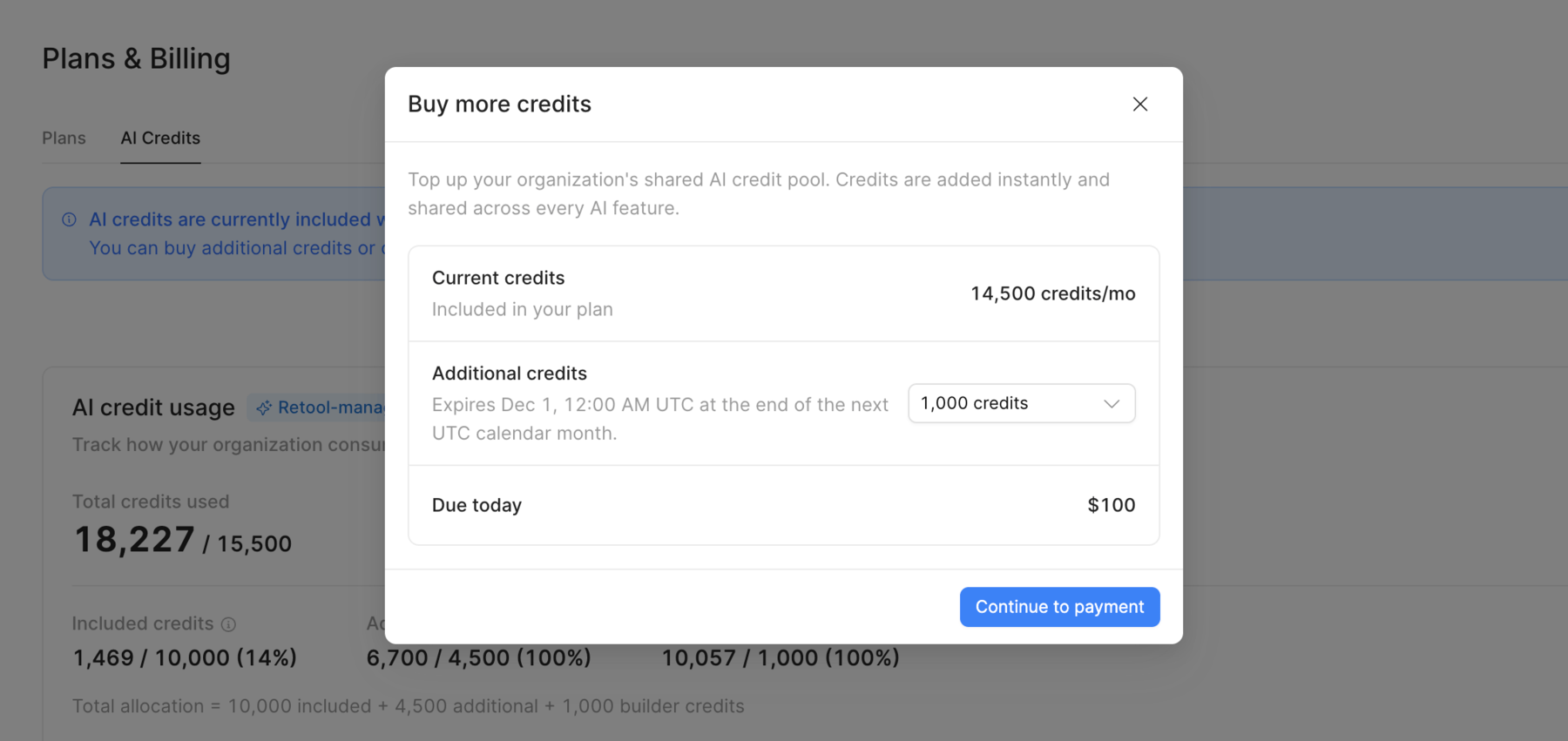
Purchased credits expire at the end of the next calendar month. For example, if you buy credits on October 20, they expire on November 30. On Enterprise plans with named seats, credits included with builder seats are used first. Then Retool uses your organization's monthly credits, then purchased credits.
The AI Credits tab also shows your additional AI credit history, including when each pack was added, how many credits remain, and when they expire.