Custom Python libraries for workflows
Custom Python libraries for Retool Workflows is now available as a public beta. You can add one of the built-in Python libraries or provide a custom list of libraries and versions.
Updates, changes, and improvements at Retool.
Refer to the stable and edge release notes for detailed information about self-hosted releases.
Updates related to beta functionality.
View All TagsCustom Python libraries for Retool Workflows is now available as a public beta. You can add one of the built-in Python libraries or provide a custom list of libraries and versions.
A new and improved version of the Loop Block is now available in beta. If you'd like to participate, complete this form to request access.
The new Loop Block features:
Once enabled, any new Loop blocks added to workflows will use Loop block v2. Existing Loop blocks will continue to function as before.
Internationalization (i18n) is now in beta for organizations on the Enterprise plan. This allows you to localize Retool app content and data.
This beta is available to cloud instances and self-hosted instances on version 3.38 or later. Contact your Retool account team to request early access.
A visually refreshed component library is currently available as an opt-in beta for cloud-hosted organizations. It contains minor style changes to many components, such as:
Any style overrides you've made will still be retained.
Click Get started and leave a comment to request access.
Retool RPC (Remote Procedure Call) allows you to connect your own codebase. Once enabled, you can define functions in your backend and use them within Retool apps and workflows.
Click Get started to request access to the Retool RPC beta.
Retool Storage is a hosted blob store that allows you to upload and interact with your files without needing to configure an object store (e.g., S3, Azure File Storage). There is a 5 GB storage limit per organization, with a 40 MB limit on file size. Your browser may have settings that restrict this limit further.
Working with files has previously been a challenge for users as it required storing base64 strings or using third-party data stores. Retool Storage is a built-in solution that requires no configuration.
There are two ways to interact with Retool Storage:
You can programmatically upload, read, and download from Retool Storage.
We’ve added two new tabs, State and Timeline, that enable you to inspect the app state, drill into dependencies, and visualize query runs.
The State tab allows you to view the current state of all properties in your apps, as well as see dependencies between individual properties and calls from event handlers or JavaScript. This makes it easy to see everything that triggers a specific query. You can also directly jump to what you need with a “View state” context menu action and built-in search.
The Timeline tab shows a live view of all query runs, making it easier to visualize run times, compare sequencing, and quickly identify successful, failed, and active query runs.
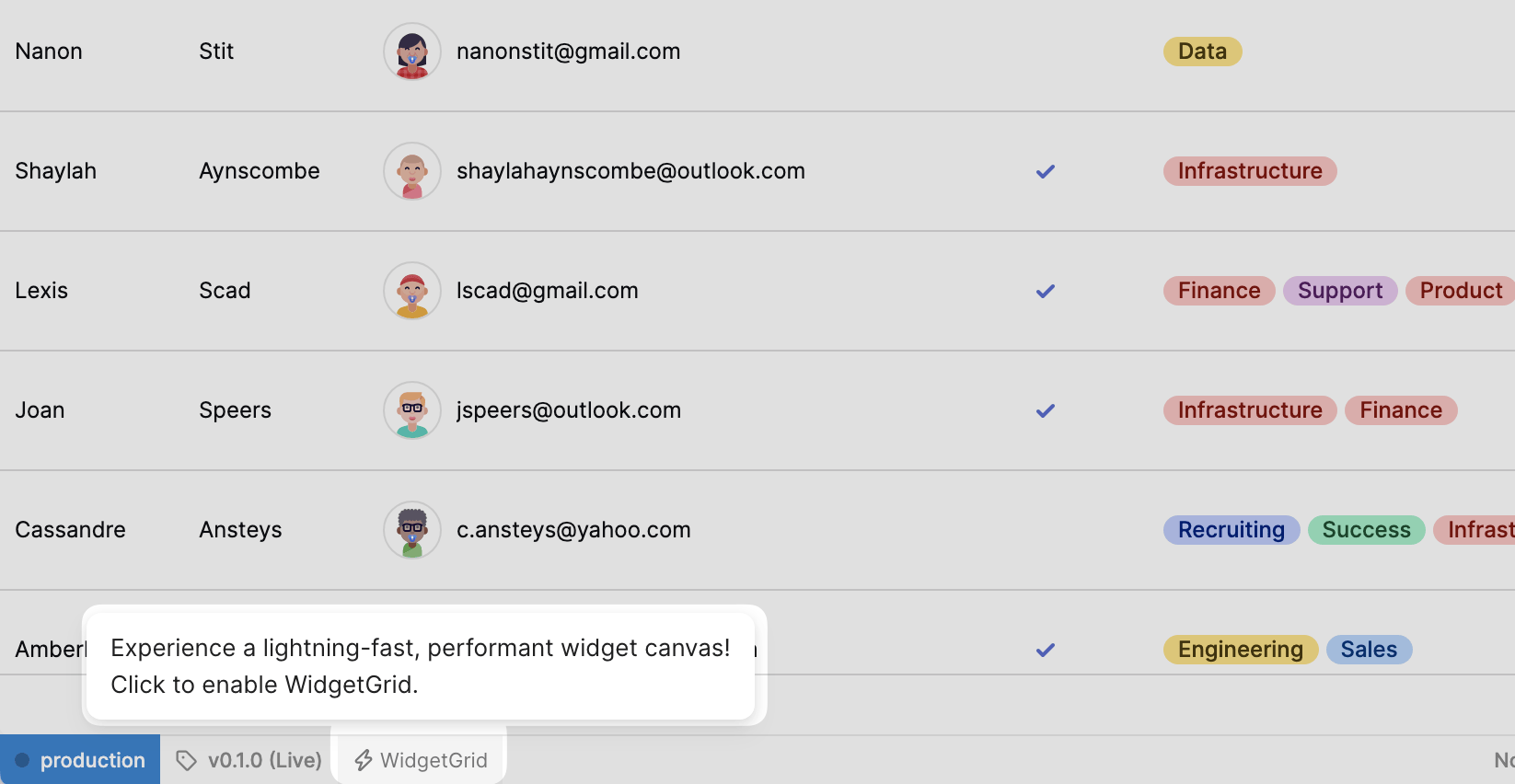
We've also moved Environments, Releases, and History to the status bar for easier access. The status bar is only visible to users with edit permissions.
To access the Debug Tools beta, navigate to the Beta tab in your organization’s settings and turn on the Debug console and status bar toggle. Share your feedback with us by clicking on the Beta Feedback button in the top right corner! These updates are currently live on cloud and will be available on-prem in v2.98.