MCP for Administration
This lab demonstrates how administrators can leverage Retool MCP Server to perform organization and user management actions.
Lab Requirements
This lab demonstrates the MCP Server available in v4.X+ of Retool using different tools. This feature is for Retool Administrators who have permissions provided via the mcp:admin scope.
Claude Code Setup
To install Claude Code, review the following Anthropic documentation.
MCP Host Setup
With Claude Code configured, open up a Terminal (MacOS) and perform the following actions:
- Create a working directory
- Change directory into the working directory
- Enter the following command:
$ claude code
- This will start a Claude Code session and the terminal will appear like the following:
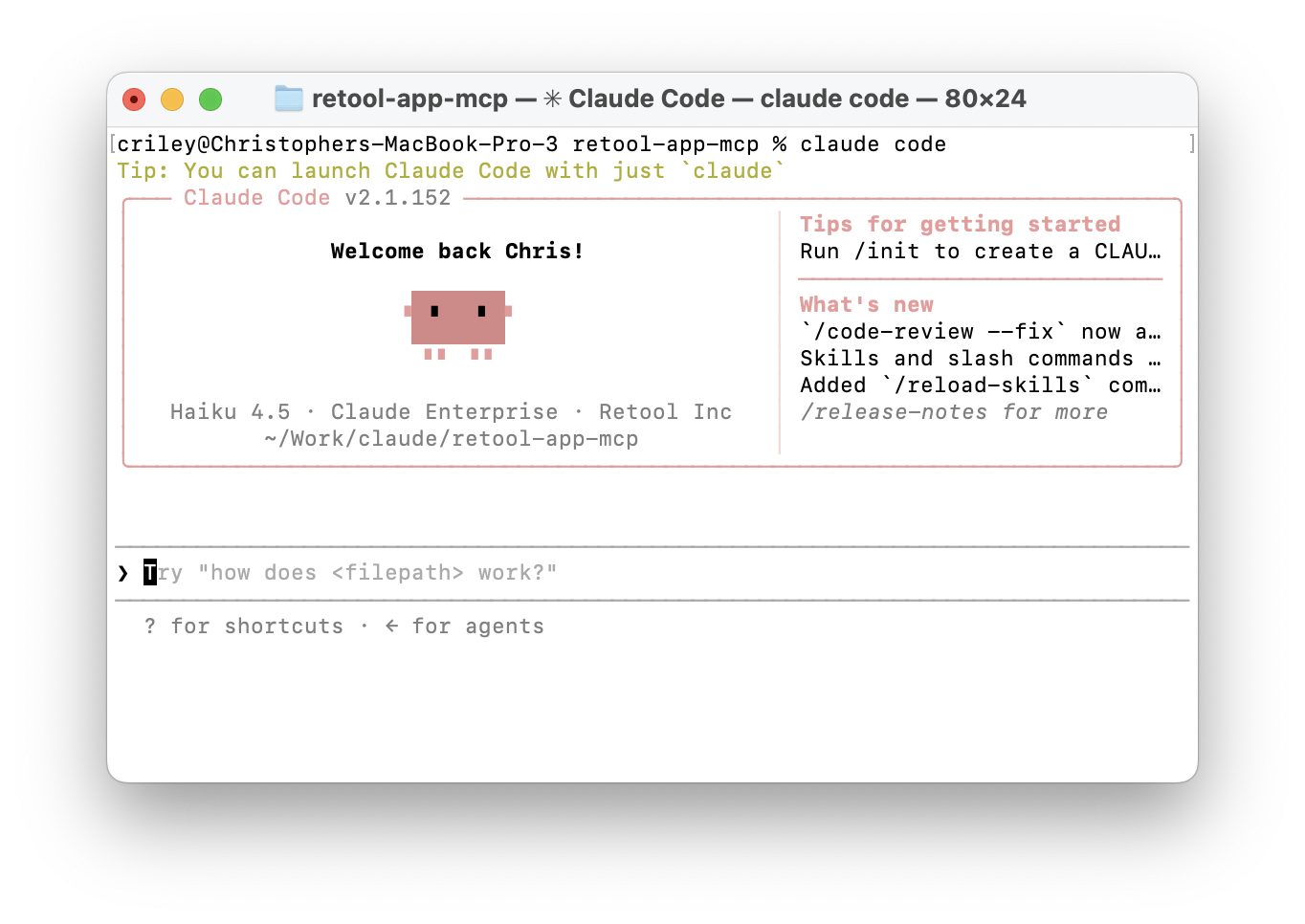
Next, we want to configure the MCP Server.
- To do this, enter the following command in the terminal. Replace the
<your-retool-instance>with your organization.
> claude mcp add --transport http retool https://<your-retool-instance>/mcp
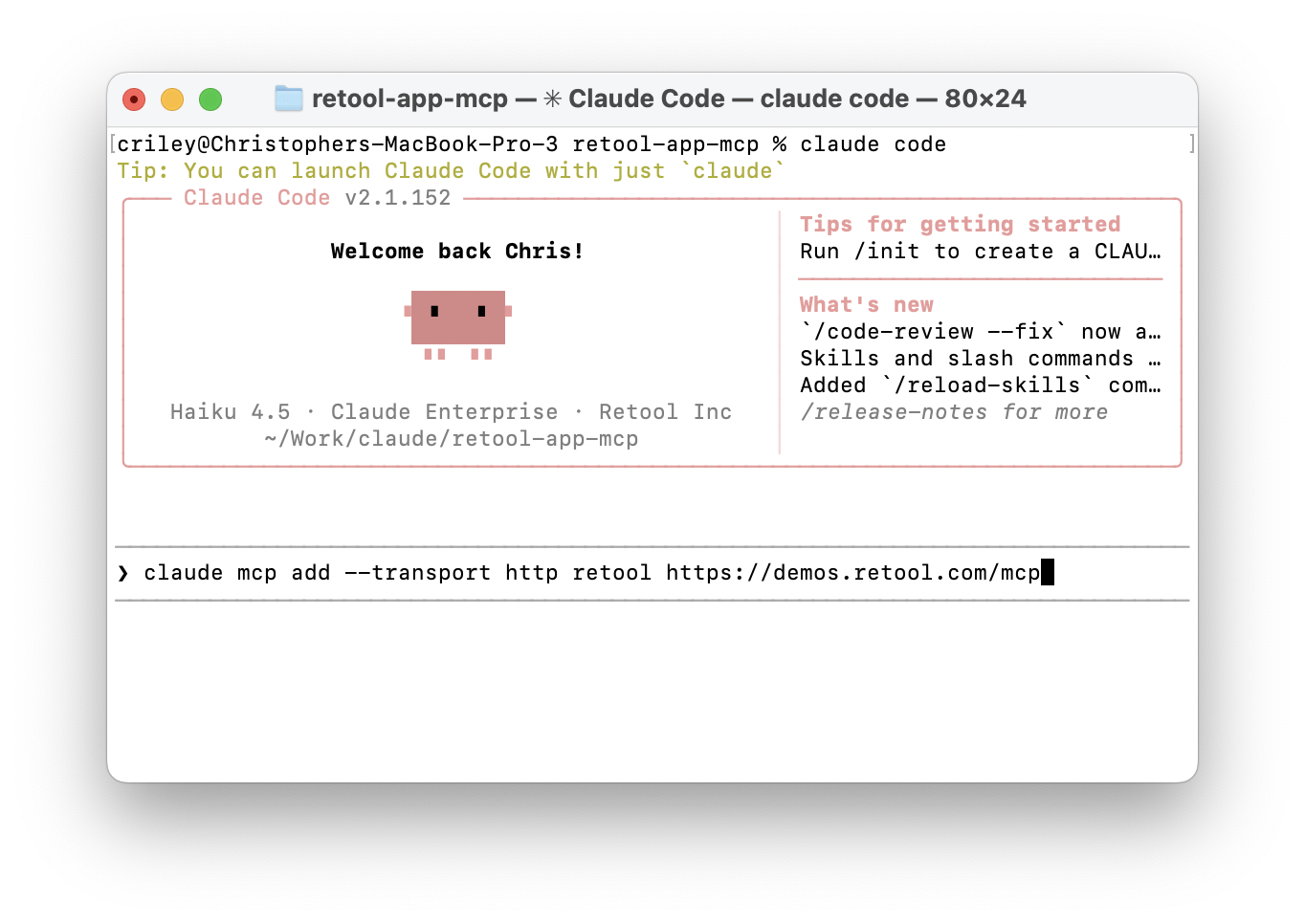
- Exit the terminal and then start a new terminal, change directory back to the working directory created in the previous step, and then run Claude Code again.
Check out our documentation for configurations for other CodeGen tools.
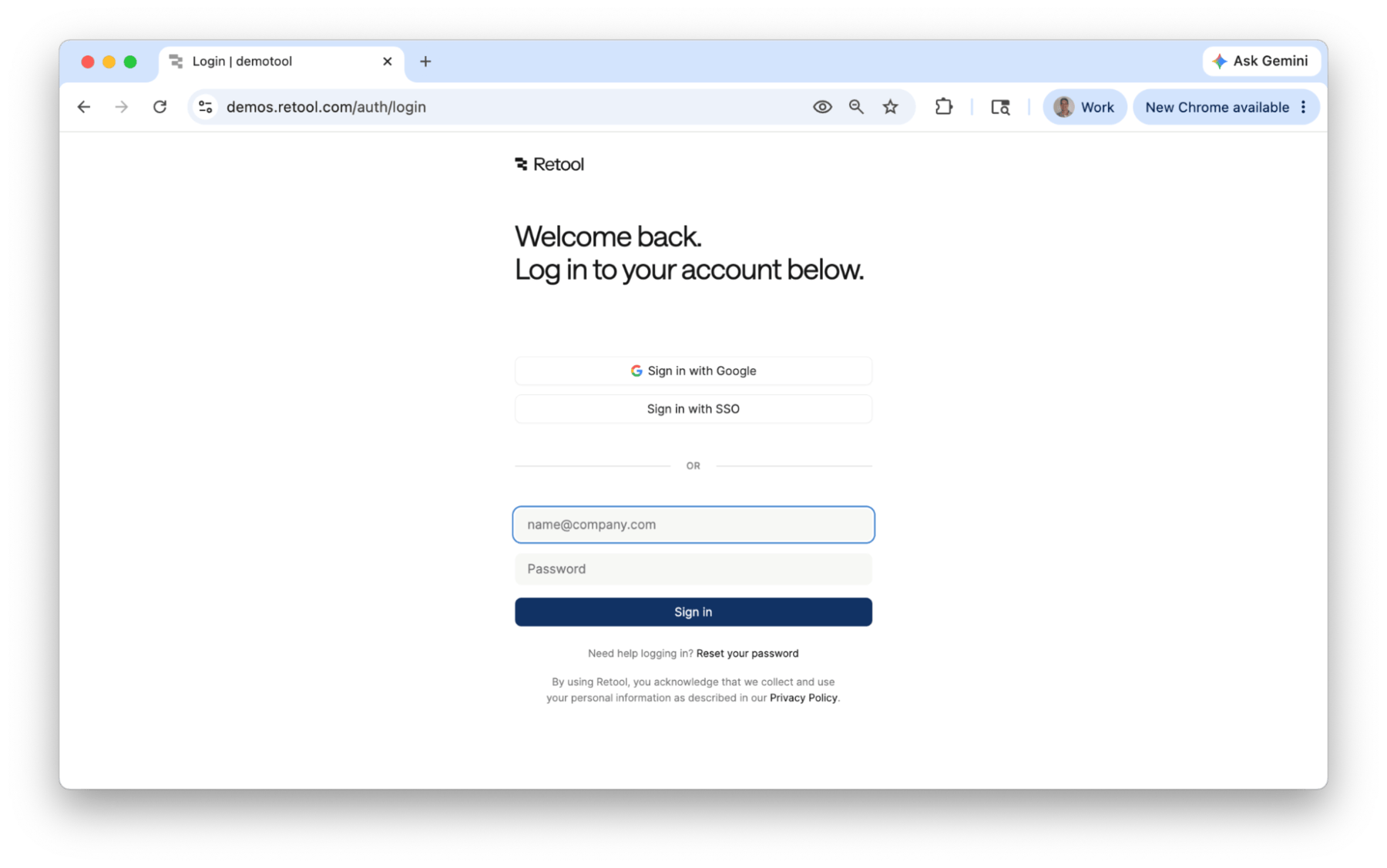
- Authenticate into Retool.
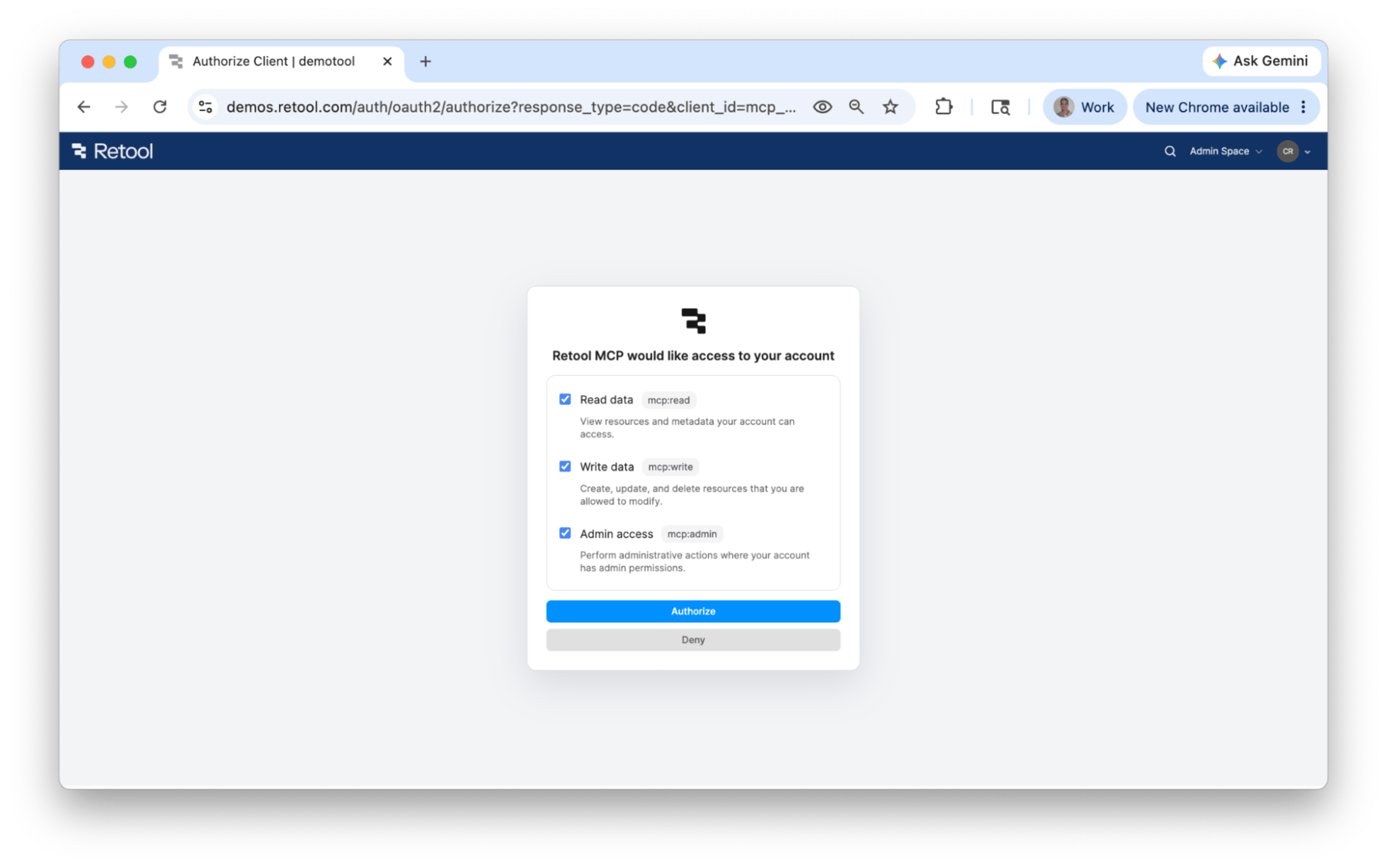
- Select Authorize to allow Claude to perform actions in Retool via OAuth form.
The Admin access scope will only be available for a user if they are identified as an administrator within Retool.
- See if the MCP server is now configured.
> /mcp
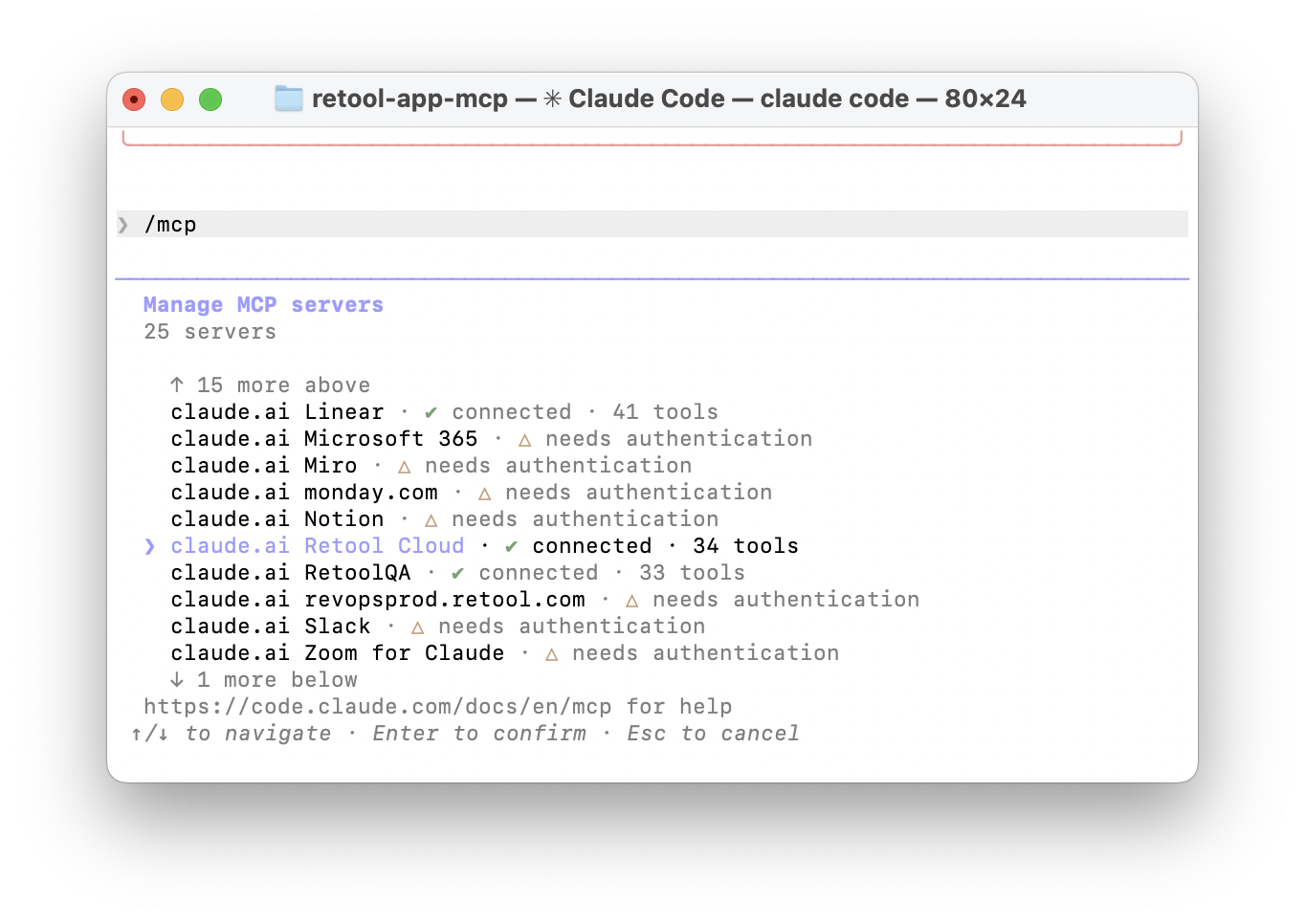
- A list of configured MCP Servers will be displayed. In this example, Retool Cloud is what has been configured and we can now start to use the MCP connection.
Available Tools
Only organization administrators have mcp:admin scope access to leverage tools to perform different tasks across users, workflows, organizations, groups, audit logs, and more. Let's try a couple of tools to confirm it is functioning.
List Users
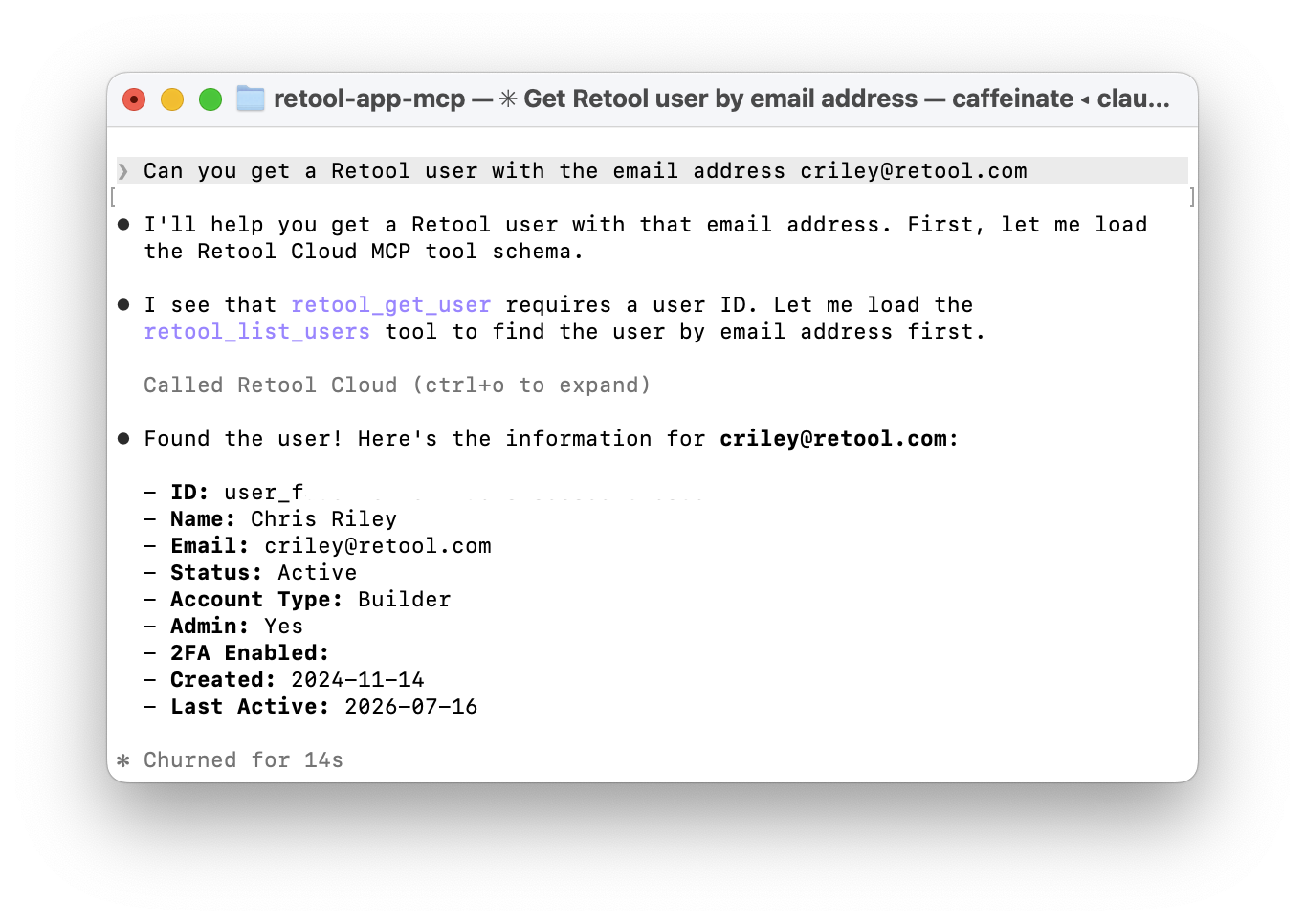
Use the following prompt to access users.
Can you get a Retool user with the email address <sample email address>?
The following image shows the result in Claude Code.
Get Group(s) User is in
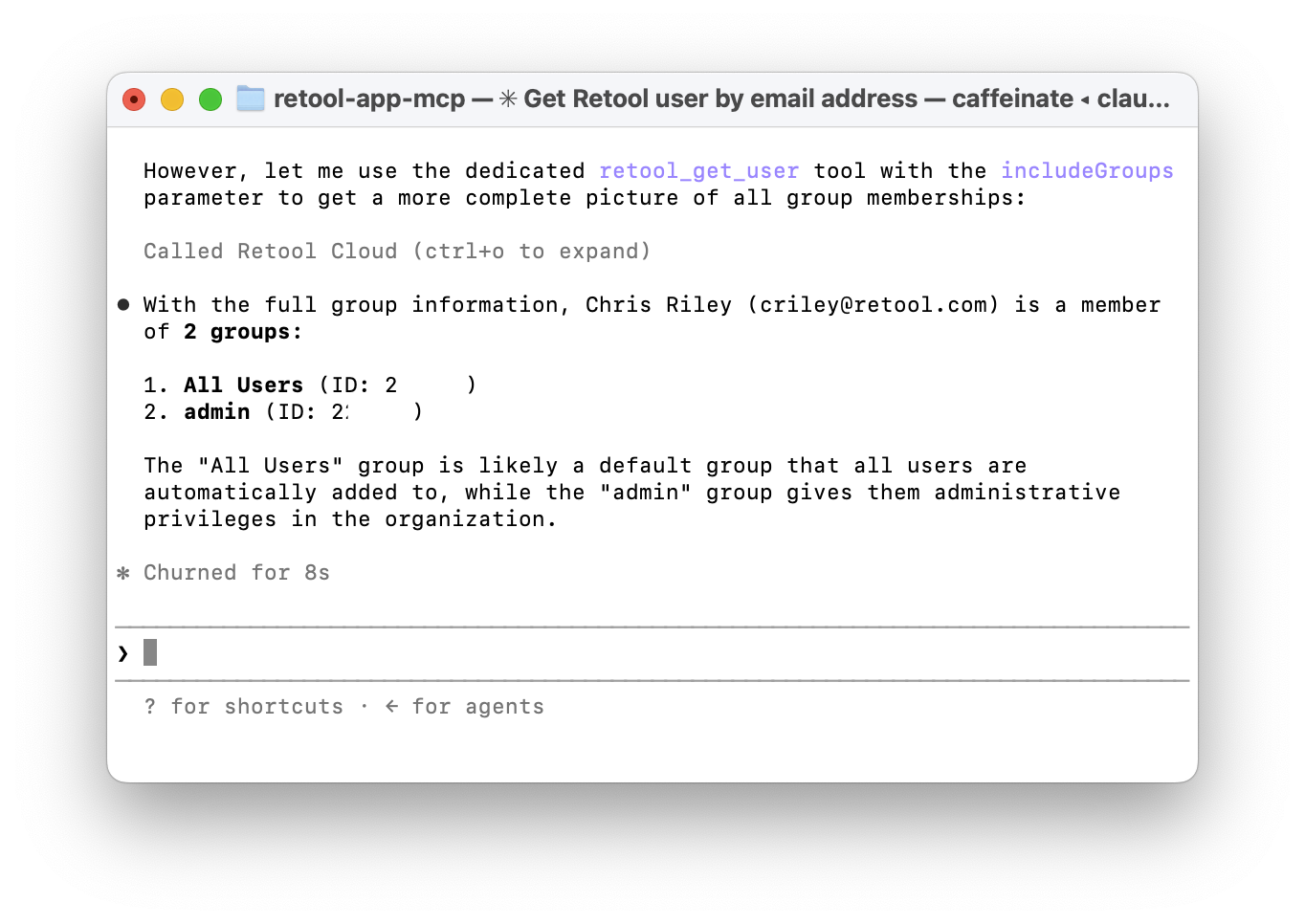
Use the following prompt to access details of a specific user.
Can you provide all Retool permission groups this user is a part of?
The following image shows the result in Claude Code.
Summary
Retool MCP provides one way to help reduce the burden for Retool administrators. In addition to Retool MCP, there are other automation features, including: